1
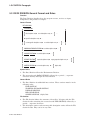
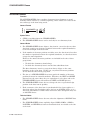
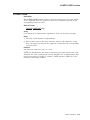
ACCEPT Statement
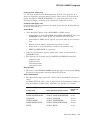
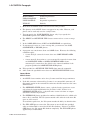
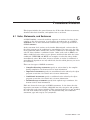
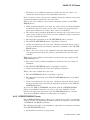
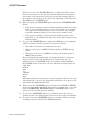
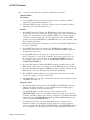
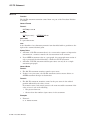
Note that only the first occurrence of the period, comma and sign is
accepted; multiple occurrences are ignored. Also, to the left and right of
the decimal point excess leftmost digits and excess rightmost digits are
truncated, respectively.
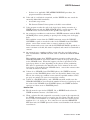
Validation occurs when the FULL or REQUIRED clauses are specified.
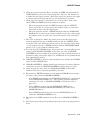
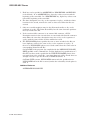
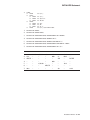
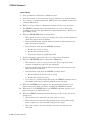
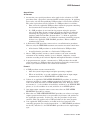
112.
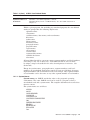
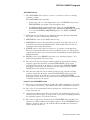
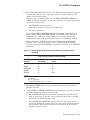
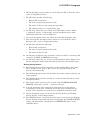
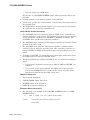
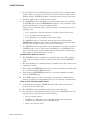
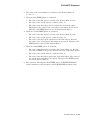
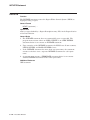
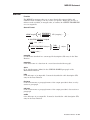
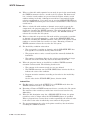
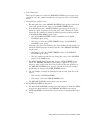
The default value for each field is displayed when the operator enters the
field for the first time during an ACCEPT statement. The default value is
determined as follows:
•
If the USING clause is specified, the default is the current value of the
USING item.
•
If the TO and FROM clauses are specified, the default is the current value
of the FROM item.
•
If only the TO clause is specified:
The default is ZEROES (or SPACES if BLANK WHEN ZERO is
specified) for numeric and numeric edited items.
The default is SPACES for alphabetic, alphanumeric, and
alphanumeric edited items.
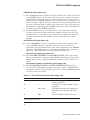
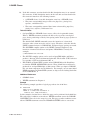
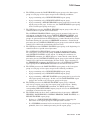
113.
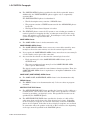
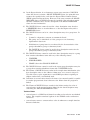
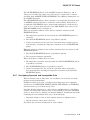
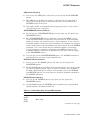
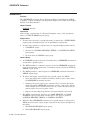
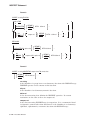
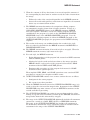
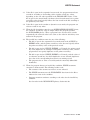
If the operator types a terminator key prior to entering data in every field,
the default value for each untouched field is moved to the field’s destination
item.
114.
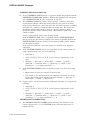
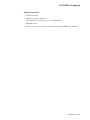
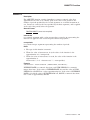
The operator is limited to entering the number of characters specified by
the PICTURE clause. If the operator attempts to type beyond the rightmost
position of the field: (1) the cursor remains on the position to the right of the
rightmost position and (2) the last character of the field is overwritten with
the new character.
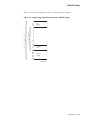
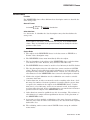
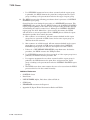
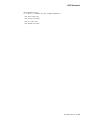
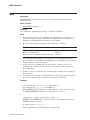
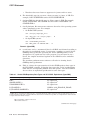
115.
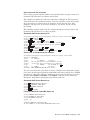
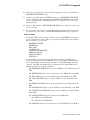
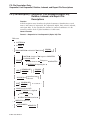
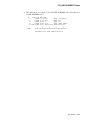
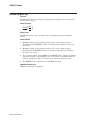
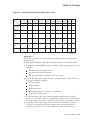
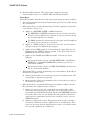
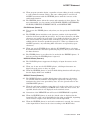
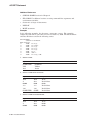
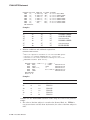
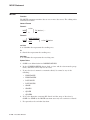
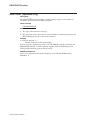
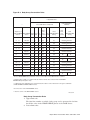
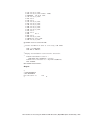
There are special keys that allow the operator to edit data within a field and
to move among the fields within a screen. Except where noted otherwise, the
operator is allowed to move among the fields in the order in which the fields
are defined within the Screen Description Entry.
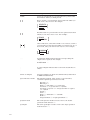
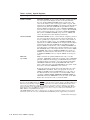
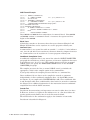
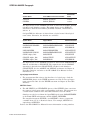
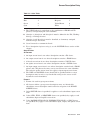
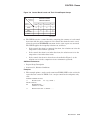
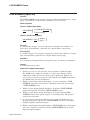
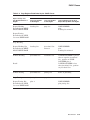
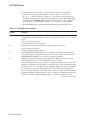
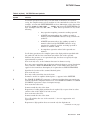
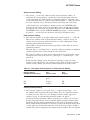
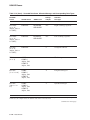
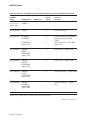
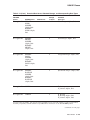
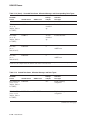
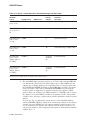
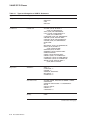
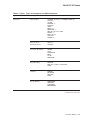
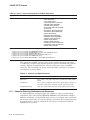
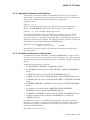
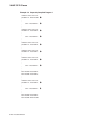
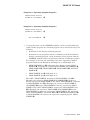
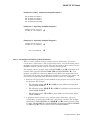
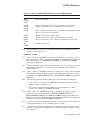
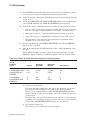
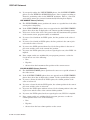
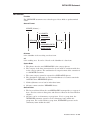
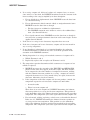
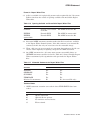
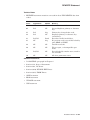
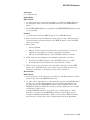
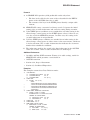
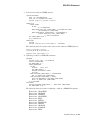
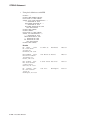
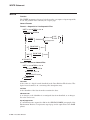
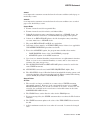
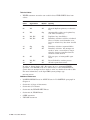
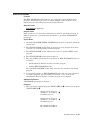
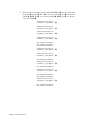
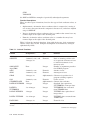
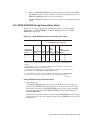
The keys defined on OpenVMS Alpha and I64 systems are described in
Table 6–10.
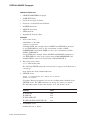
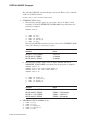
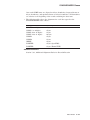
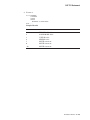
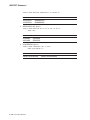
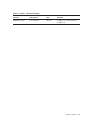
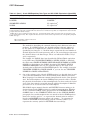
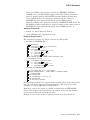
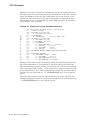
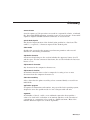
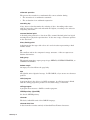
Table 6–10 SCREEN SECTION Keys for OpenVMS Alpha and I64 Systems
Key
Description
Left,
Ctrl/B,
Ctrl/D
Right,
Ctrl/F
Up
Move left (if not at beginning of field, move left within field; if
at beginning of field, move to previous field).
Move right (if not at end of field, move right within field; if at
end of field, move to next field).
Move to the nearest field that is positioned above the current
cursor position; this movement ignores the order in which fields
are defined within the Screen Description Entry and is based
simply on the location of items on the screen.
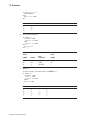
(continued on next page)
Procedure Division 6–77