1
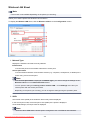
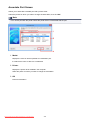
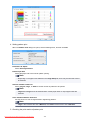
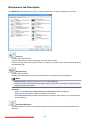
Main tab Description
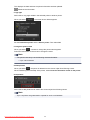
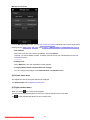
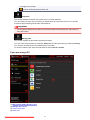
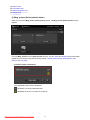
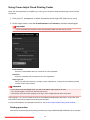
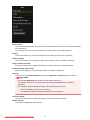
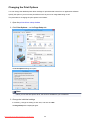
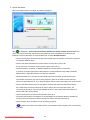
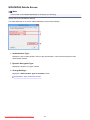
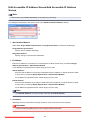
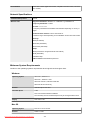
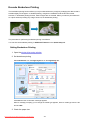
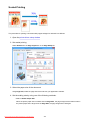
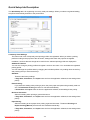
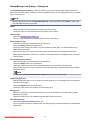
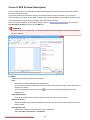
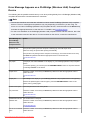
The Main tab allows you to create a basic print setup in accordance with the media type. Unless special
printing is required, normal printing can be performed just by setting the items on this tab.
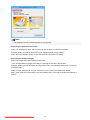
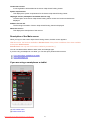
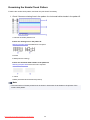
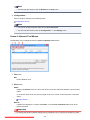
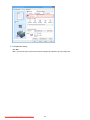
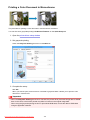
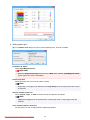
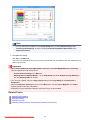
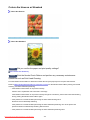
Settings Preview
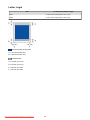
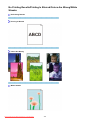
The paper illustration shows how the original will be laid out on a sheet of paper.
You can check an overall image of the layout.
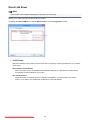
Media Type
Selects a type of printing paper.
Select a media type that matches the paper that is loaded in the printer. This ensures that printing is
carried out properly for the specified paper.
Paper Source
Shows the source from which paper is supplied.
Rear Tray
Paper is always supplied from the rear tray.
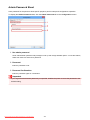
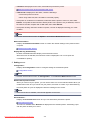
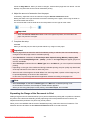
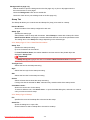
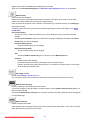
Print Quality
Selects your desired printing quality.
Select one of the following to set the print quality level that is appropriate for the purpose.
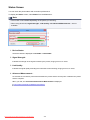
Important
• Depending on the Media Type settings, the same print results may be produced even if the Print
Quality is changed.
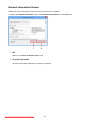
High
Gives priority to print quality over printing speed.
Standard
Prints with average speed and quality.
Draft
This setting is appropriate for test printing.
Downloaded from ManualsPrinter.com Manuals
362