1
3 Administrator Settings
3.1.7
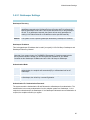
Date and Time Settings
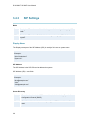
NTP IP
This is the NTP time server address from which the system can get updated time information.
The Network Time Protocol (NTP) is used to synchronize the time of the system to a reference
time server. The NTP IP setting holds the IP address to a time source where the system can get
the exact time. The time server will subsequently be queried every 24th hour for time updates.
The system will use the time to display Time and Date on the screen and timestamp messages
transmitted to Gatekeepers or Border Controllers requiring H.235 authentication.
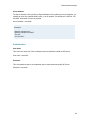
Time Zone
Here you can adjust local time compared to GMT (Greenwich Mean Time). Select the appropriate
time zone from the drop down menu.
Date Format
Select preferred format for display of the date.
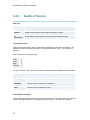
Time Format
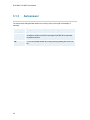
12h
Displays the time as 0-12AM/PM
24h
Displays the time as 0-24
Daylight Savings
On
Turn daylight savings on
Off
Turn daylight savings off
51