1
19
MACHINE SETTINGS
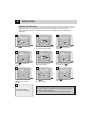
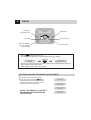
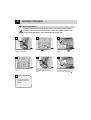
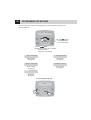
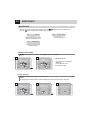
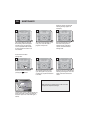
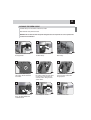
To change the machine’s operation settings, press the
button and select “mach. settings” and press
the
EXWWRQ1DYLJDWHWKHFOLFNZKHHOZLWK\RXU¿QJHUWR
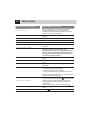
2.1
language
English
set the menu
language.
2.4 filter alarm
on
activate/deactivate the “Aqua Prima”
ZDWHU¿OWHUDODUP
2.2 water hardn.
3
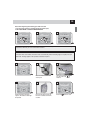
set the water hardness.
2.5
rinsing
on
set the coffee circuit rinse cycle.
2.3 acoust.alert
on
set/activate the acoustic
alarms.
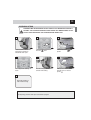
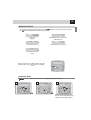
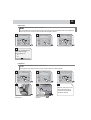
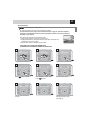
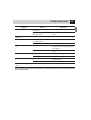
To exit any level of “mach. settings” without saving the
changes made, press the
button. For example:
2 mach. settings
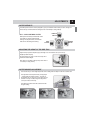
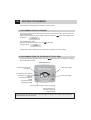
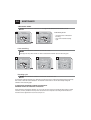
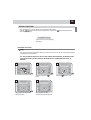
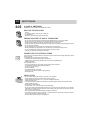
“LANGUAGE” MENU
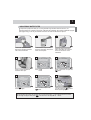
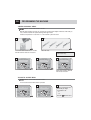
> mach. settings > language . To change the language of the display.
1
2
2 mach. settings
1.
3
2.1
language
English
2.1
lingua
italiano
1.
2.
2.
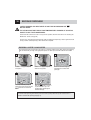
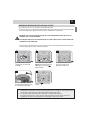
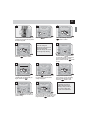
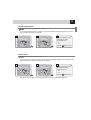
Select the desired language. After
selected, the machine displays all the
messages in the language selected.