1
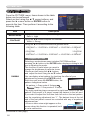
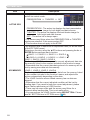
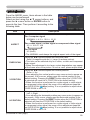
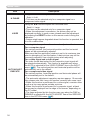
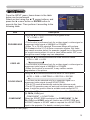
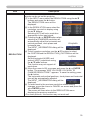
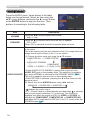
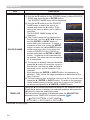
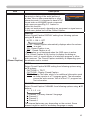
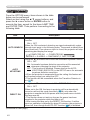
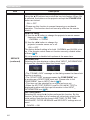
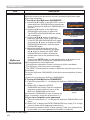
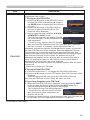
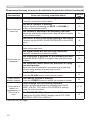
AUDIO menu AUDIO menu From the AUDIO menu, items shown in the table below can be performed. Select an item using the ▲/▼ cursor buttons, and press the ► cursor button or the ENTER button to execute the item. Then perform it according to the following table. Item Description VOLUME Using the ◄/► buttons adjusts the volume. High ó Low SPEAKER Using the ▲/▼ buttons turns on/off the built-in speaker. ON ó OFF When OFF is selected, the built-in speaker does not work. The combination of a picture and audio input port can be arranged in the menu. The audio coming into the port selected in the (2) is output while an image from the port chosen in the (1) is on screen. (1) Choose a picture input port using the ▲/▼ buttons. COMPUTER IN1 ó COMPUTER IN2 AUDIO OUT STANDBY COMPONENT VIDEO ó S-VIDEO ó (Y, Cb/Pb, Cr/Pr) AUDIO SOURCE • Select AUDIO OUT STANDBY to specify the output from the AUDIO OUT ports in the standby state. This selection is available only when NORMAL is selected for the STANDBY MODE (35). The built-in speaker does not work in the standby state. • While RETURN is selected, pressing the ◄ button returns to the previous menu. (2) Select one of the AUDIO IN ports using ◄/► buttons. AUDIO IN1 ó AUDIO IN2 ó AUDIO IN3 ó • disables the audio output. • C.C. (Closed Caption) is automatically activated when is selected and an input signal containing C.C. is received. This function is available only when the signal is NTSC for VIDEO or S-VIDEO, or 480i@60 for COMPONENT, COMPUTER IN1 or COMPUTER IN2, and when AUTO is selected for DISPLAY in the C.C. menu under the SCREEN menu (41). 36