1
PointCare NOW
REAGENTS
•
•
•
•
•
•
•
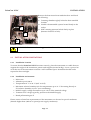
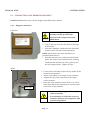
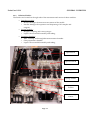
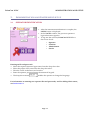
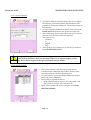
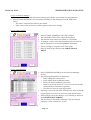
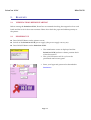
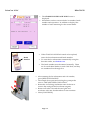
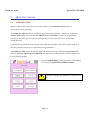
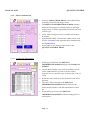
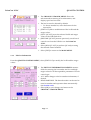
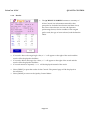
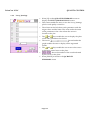
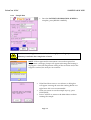
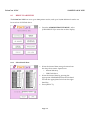
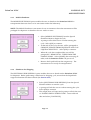
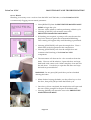
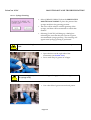
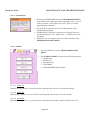
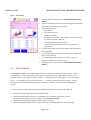
A dialog box appears instructing the user to
“REMOVE GOLD”.
Remove the gold vial and press [CONTINUE].
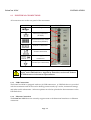
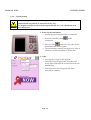
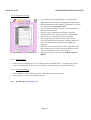
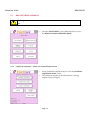
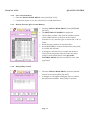
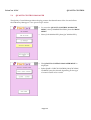
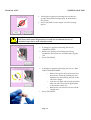
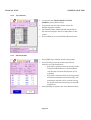
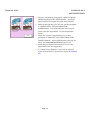
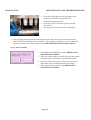
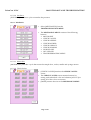
A dialog box appears instructing the user to “MIX
GOLD AND REINSERT”.
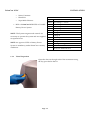
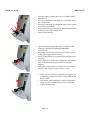
o Remove the gold vial from the front slot and
mix 8-10 times by holding the vial upsidedown
and flicking the side of the vial with a finger.
o Turn the vial right side up and tap on the table
3-4 times to ensure all gold settles to the bottom
of the vial.
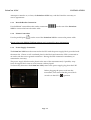
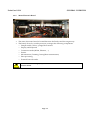
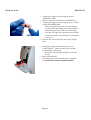
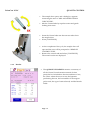
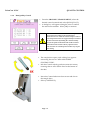
Reinsert the vial into the first slot on the sample
door.
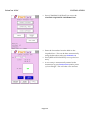
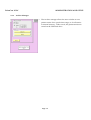
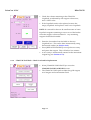
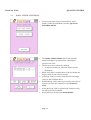
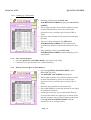
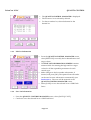
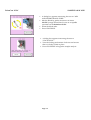
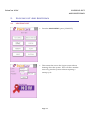
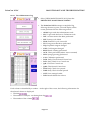
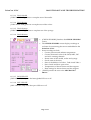
A dialog box appears instructing the user to
“LOCK GOLD”. Make sure the gold is locked
in place before continuing.
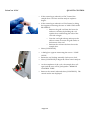
o Rotate the vial locking mechanism clockwise
to lock.
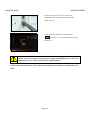
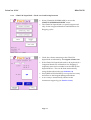
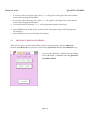
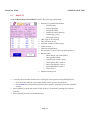
Select [CONTINUE].
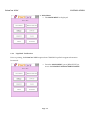
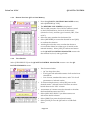
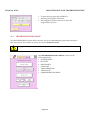
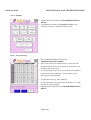
The sample door closes and the user is returned
to the REAGENT MANAGEMENT MENU.
Page 5-6