1
basic_e_d4209_7.fm Page 24 Tuesday, February 3, 2004 3:02 PM
SHOOTING BASICS
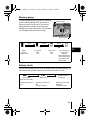
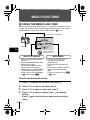
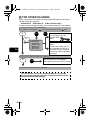
Mode dial
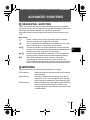
In K mode, use the mode dial to select a still picture shooting mode. Set the
mode dial to the best position for the situation and shooting conditions.
The shooting modes include modes where the optimal settings for the situation
are automatically selected, and modes where you can select the settings best
suited to the shooting conditions and the effect you wish to achieve.
You can change the shooting mode before and after turning the camera on.
Mode dial
Settingrelated modes
En
Situationrelated modes
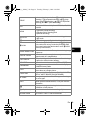
h Full-auto shooting
Allows you to take still pictures using no special functions or manual
adjustments. The camera sets the optimal focusing and exposure. This is the
simplest of all shooting modes.
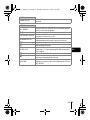
i Portrait shooting
Suitable for taking a portrait-style shot of a person. This mode features an infocus subject against a blurred background. The camera automatically sets
the optimal shooting conditions.
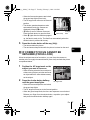
j Sports shooting
Suitable for capturing fast-moving action (such as sports) without blur. The
camera automatically sets the optimal shooting conditions.
24 En