1
UM1718
Installing and running STM32CubeMX
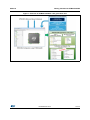
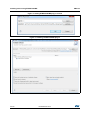
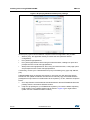
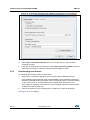
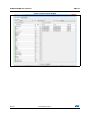
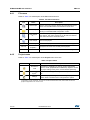
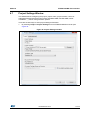
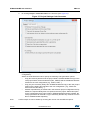
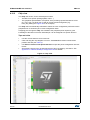
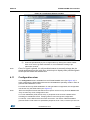
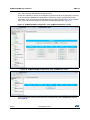
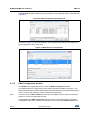
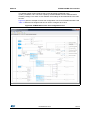
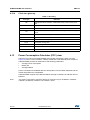
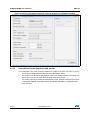
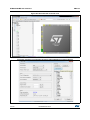
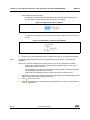
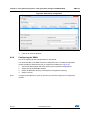
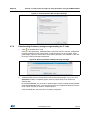
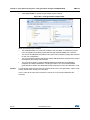
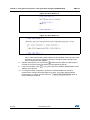
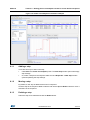
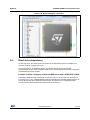
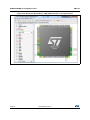
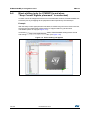
Figure 13. New Libraires Manager window
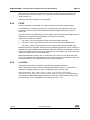
3.5.3
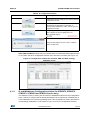
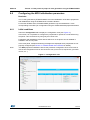
Checking for updates
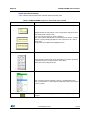
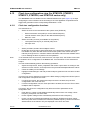
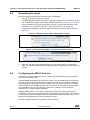
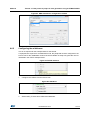
When the updater is configured for automatic checks, it regularly verifies if updates are
available. In this case, a green arrow icon
appears on the tool bar.
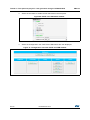
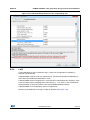
When automatic checks have been disabled in the updater settings window, the user can
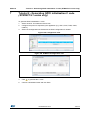
manually check if updates are available:
1.
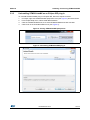
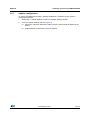
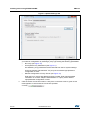
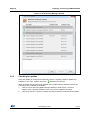
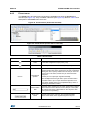
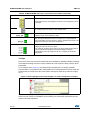
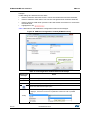
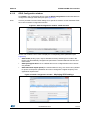
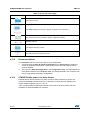
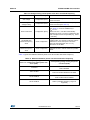
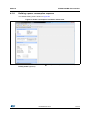
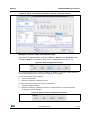
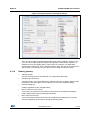
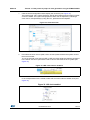
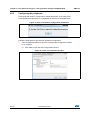
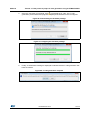
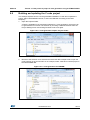
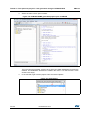
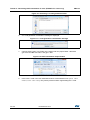
Click the icon to open the Update Manager window or Select Help > Check for
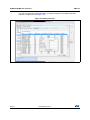
Updates. All the updates available for the user current installation are listed.
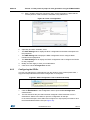
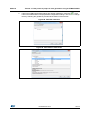
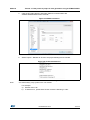
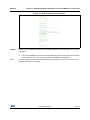
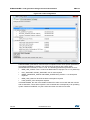
2.
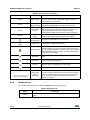
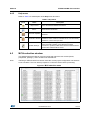
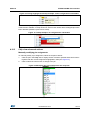
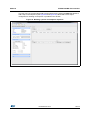
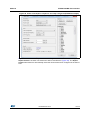
Click the check box to select a package, and then Install Now to download the update.
DocID025776 Rev 4
27/140
139