1
UM1718
4.4.5
STM32CubeMX User Interface
Help menu
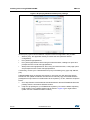
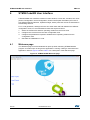
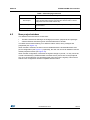
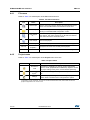
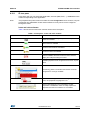
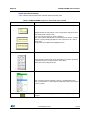
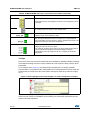
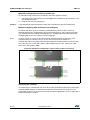
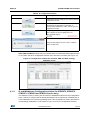
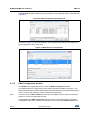
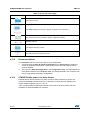
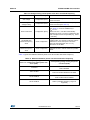
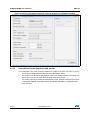
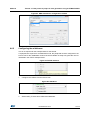
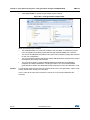
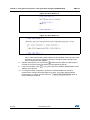
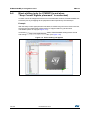
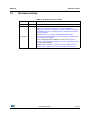
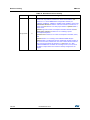
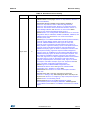
Refer to Table 6 for a description of the Help menu and icons.
Table 6. Help menu
Icons
Name
Description
Help Content
Opens the STM32CubeMX user manual
About...
Shows version information
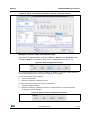
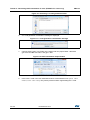
Check for Updates
Shows the software and firmware release updates available for
download.
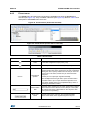
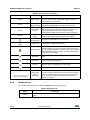
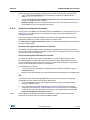
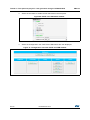
Shows all STM32CubeMX and firmware releases available for
Install New Libraries installation. Green check box indicates which ones are already
installed on you PC and up-to-date.
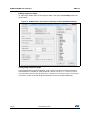
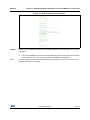
Updater Settings...
4.5
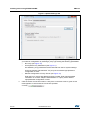
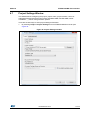
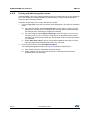
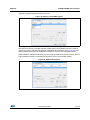
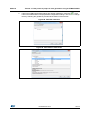
Opens the updater settings window to configure manual
versus automatic updates, proxy settings for internet
connections, repository folder where the downloaded software
and firmware releases will be stored.
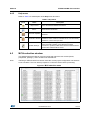
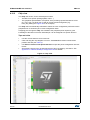
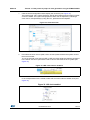
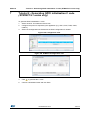
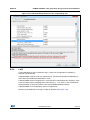
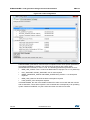
MCUs selection window
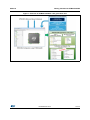
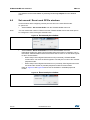
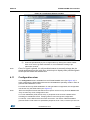
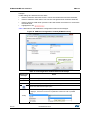
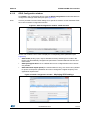
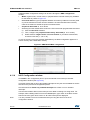
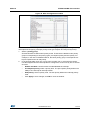
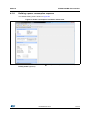
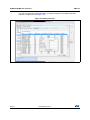
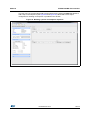
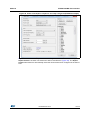
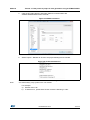
This window lists all the MCUs of a given family that match the user criteria (series,
peripherals, package..) when an MCU was selected last.
Note:
Selecting a different MCU from the list resets the current project configuration and switches
to the new MCU. The user will be prompted to confirm this action before proceeding.
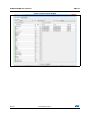
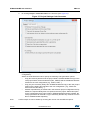
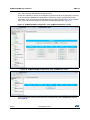
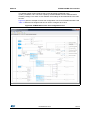
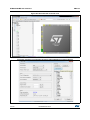
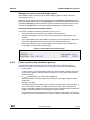
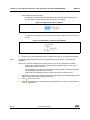
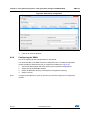
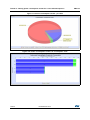
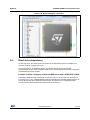
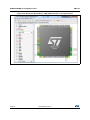
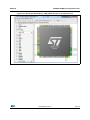
Figure 21. MCU selection menu
DocID025776 Rev 4
37/140
139