1
Getting Started
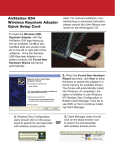
• Insert the AirNavigator CD
into the CD-ROM drive of your
computer. The AirNavigator
Setup Wizard should launch
automatically.
• To launch the AirNavigator
Setup Wizard manually, click
Start, then Run. Type “D:\
Setup.exe”, where D is the drive
letter assigned to your CDrom.
• Click OK to launch the wizard.