1
Home Automation, Inc.
5
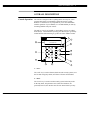
8- Console Display
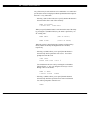
The Console Display is used to show the current security mode and to
give useful information that will guide you through normal operations
of your OmniPro control and security system.
9- Console Keypad
The Console Keypad is used to enter user codes for arming, disarming,
bypassing, and restoring zones. In some cases, the keys (0-9) are
assigned to different functions. From the top-level display, each key
functions as a menu choice.
10- Console Beeper
The Console Beeper is used to confirm a keystroke, alert user of errors
and troubles, and sound upon entry and exit delays.
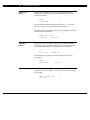
11- ' * ' Key
The ' * ' key is used to cancel and return the display to the previous
menu. When you are entering a number, ' * ' will cancel the
previously entered digits and will prompt you to reenter the number.
12- ' # ' Key
The ' # ' key is used to enter or confirm a selection. It may also be
used to display a menu or to offer you additional choices.
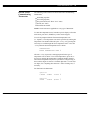
Normal Top-Level
Display
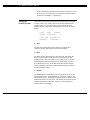
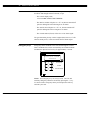
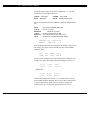
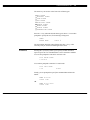
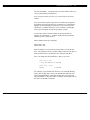
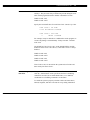
In its normal state, the console display will show the day, date, and
time on the top line, and the system status on the bottom line. If all
doors, windows, sensors, etc. are closed, no zones are bypassed, and if
there are no troubles, the bottom line will show "SYSTEM OK" as
seen below:
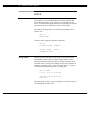
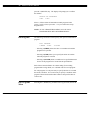
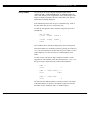
Sun Feb 16, 97
4:00 PM
SYSTEM OK
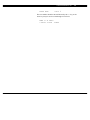
If one of the doors, windows, motion, or other detector connected to
the OmniPro is open, or has detected motion, the bottom line of the