1
MA1057 OPC Server User Manual
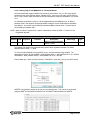
6.2 Read VOUT2 LED Bar Control Monitor
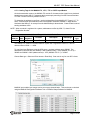
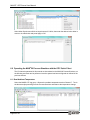
Select the MAQ20-VDN tag group. Observe the control voltage read on Channel 0. Rotate Motor
Pot 1 and observe the voltage change.
6.3 Control the VOUT1 LED Bar
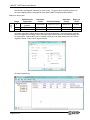
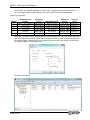
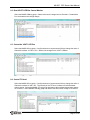
Select the MAQ20-VO tag group. Use Synchronous or Asynchronous Write to change the value of
Channel 0 between -10V and +10V. Observe the change on the VOUT1 LED bar.
6.4 Control TC Heat 1
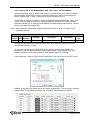
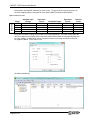
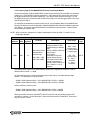
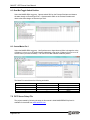
Select the MAQ20-VO tag group. Use Synchronous or Asynchronous Write to change the value of
Channel 4 between 0V and +10V. The intensity of the TC Heat 1 indicator will indicate heater
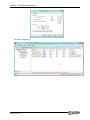
control voltage. Select the MAQ20-JTC tag group and observe the simulated temperature change
on Channel 6. Select MAQ20-VDN tag group and observe the heat control voltage on Channel 5.
Page 27 of 32