1
Binary images for reprogramming firmware applications
3
UM1562
Binary images for reprogramming firmware
applications
This section describes how to use the provided binary images to reprogram the firmware
applications. The STM32F3DISCOVERY firmware package contains binary images (*.hex)
of the provided applications under Binary subfolder. You can use any in-system
programming tool to reprogram the demonstration using this binary image.
To reprogram the firmware applications, use the “in-system programming tool” and:
12/48
1.
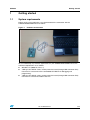
Connect the STM32F3DISCOVERY board to a PC with a 'USB type A to Mini-B' cable
through USB connector CN1 to power the board.
2.
Make sure that the embedded ST-LINK/V2 is configured for in-system programming
(both CN4 jumpers ON).
3.
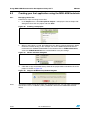
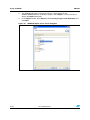
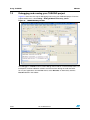
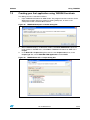
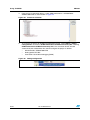
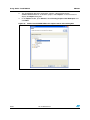
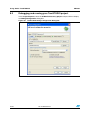
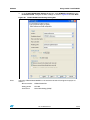
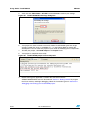
Use *.hex binary (for example,
\Project\Demonstration\Binary\STM32F3-Discovery_Demonstration_V1.0.0.hex) with
your preferred in-system programming tool to reprogram the demonstration firmware
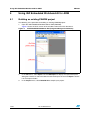
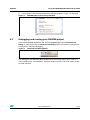
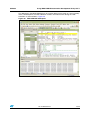
(ex. STM32 ST-LINK Utility, available for download from www.st.com).
Doc ID 023558 Rev 1