1
About AC Smart
About web server function
AC Smart provides the web server function so that the user can connect to AC Smart remotely
through the network. The administrator can monitor and control the air conditioner from a remote
location through this function. To use the web server function, you must set the network information to
AC Smart.
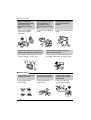
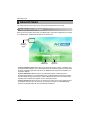
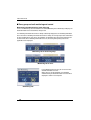
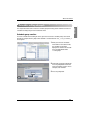
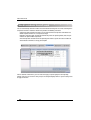
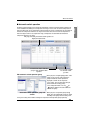
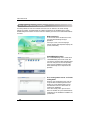
Web server log in
To use the web server function of AC Smart,
you must proceed through the log in
procedure.
In the log in screen, select the language
(Korean, English) and temperature display unit
(Celsius, Fahrenheit).
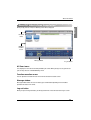
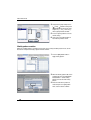
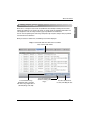
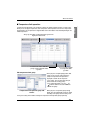
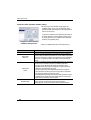
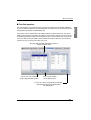
Control/Monitoring menu
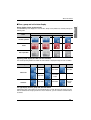
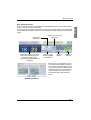
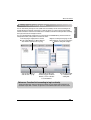
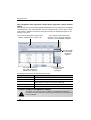
The ‘Control/Monitoring’ menu is similar to the
‘Control/Monitoring’ menu of AC Smart. You
can view the structure of Zone and Group from
this menu. Also you can check the operating
status of the air conditioner in Icon or Table
format and directly set the temperature and
operation.
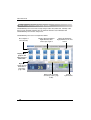
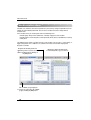
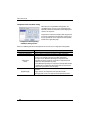
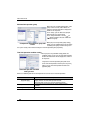
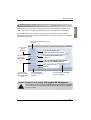
User management menu and zone
setting menu
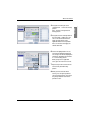
From the ‘User management’ menu, you can
assign or delete the authority to other users
besides the system administrator to access
and control the web server of AC Smart to
control the air conditioner.
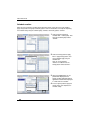
In the ‘Zone setting’ menu, you can set the
other user besides the system administrator to
control only the air conditioners included in the
specific Zone.
32
AC Smart