1
3. OPERATION
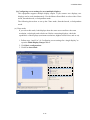
(a) Clone Displays
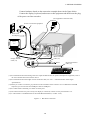
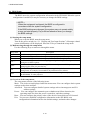
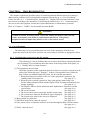
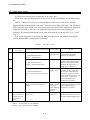
If you select this mode, both displays show the same screen and have the same resolution,
color depth, and refresh rate. Before connecting displays, check the capabilities of the
displays (maximum resolution, highest refresh rate, and so on).
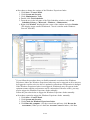
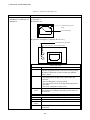
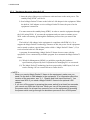
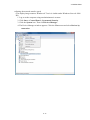
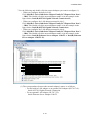
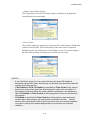
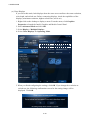
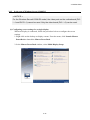
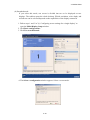
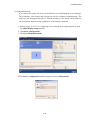
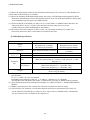
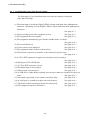
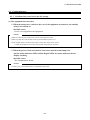
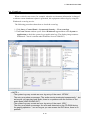
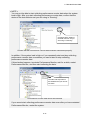
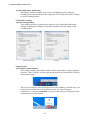
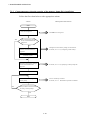
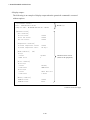
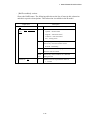
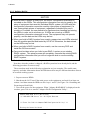
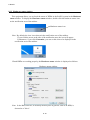
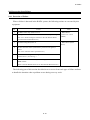
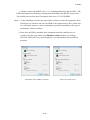
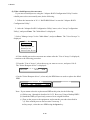
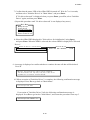
1. Right-click on the desktop to display a menu. From the menu, click Graphics
Properties to launch the Intel® Graphics and Media Control Panel.
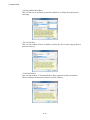
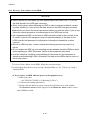
2. Select Advanced Mode and click OK.
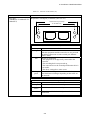
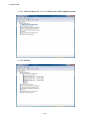
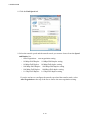
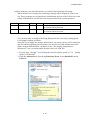
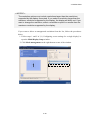
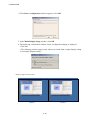
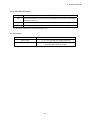
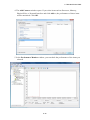
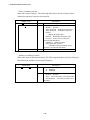
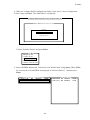
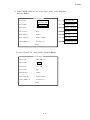
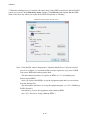
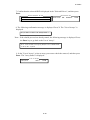
3. Select Display > Multiple Displays.
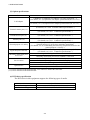
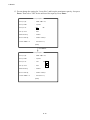
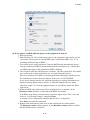
4. Select Clone Displays for Operating Mode.
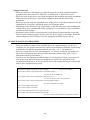
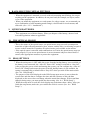
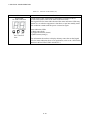
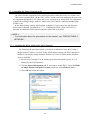
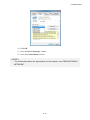
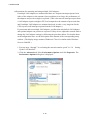
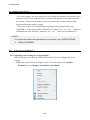
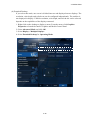
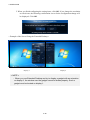
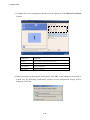
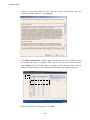
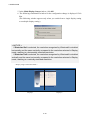
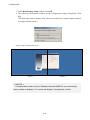
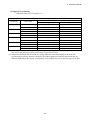
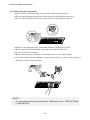
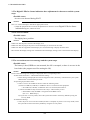
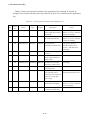
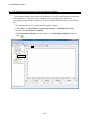
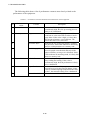
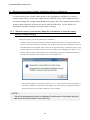
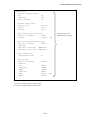
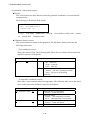
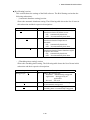
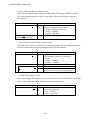
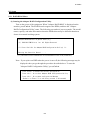
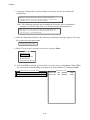
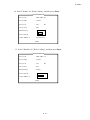
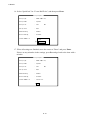
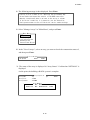
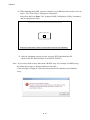
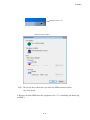
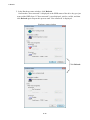
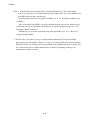
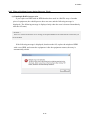
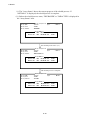
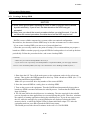
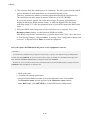
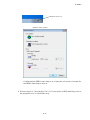
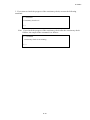
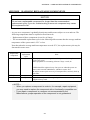
5. When you finish configuring the settings, click OK. If you change the resolution or
refresh rate, the following confirmation screen for the setting change will be
displayed. Click OK.
3-24