1
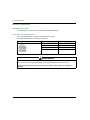
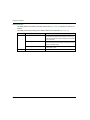
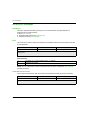
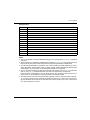
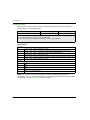
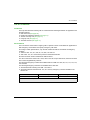
AT Commands Call AT Commands Introduction This topic describes the following call AT command based messages between an application and the SR2 modems: Dial Command (see page 69) Redial Last Telephone Number (see page 71) Answer Incoming Call (see page 71) Hang-Up Call (see page 71) Automatic Answer (see page 71) Dial Command This command is used to dial an outgoing call to a specific number. It also allows an application to dial emergency call numbers and specify emergency call codes. According to 3GPP specifications, only several numbers should be considered as emergency numbers: without a SIM: 112, 911, 000, 08, 110, 999, 118 and 119 with a SIM: 112, 911 and numbers present in the EFECC SIM file All others numbers will be considered as GSM numbers. The ATD command is used to set a voice, data or fax call. As per GSM 02.30, the dial command also controls supplementary services. The following emergency numbers are available without a SIM card: 000, 08, 110, 112, 118, 119, 911 and 999. The following Emergency Numbers are available with a SIM card: when EFECC file is missing from SIM: 112 and 911 when SIM includes an EFECC file: 112, 911 and any emergency numbers available in the EFECC file Command Format Command Example Response Example ADT<nb>,[<I>] [<G>] [;} ATD+33412345678 CONNECT 9600 NOTE: In the above example, the data call succeeds. EIO00000001575 11/2013 69