1
USB Interface 7 - 15
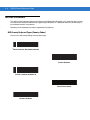
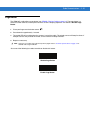
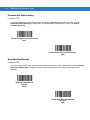
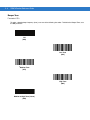
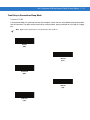
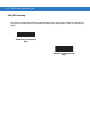
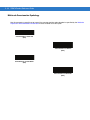
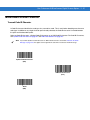
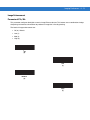
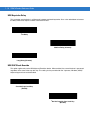
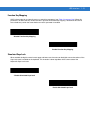
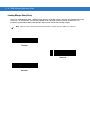
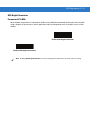
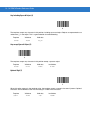
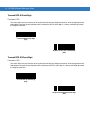
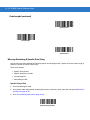
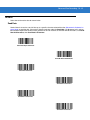
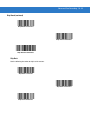
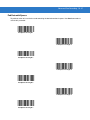
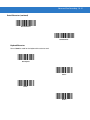
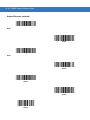
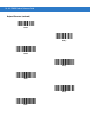
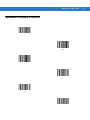
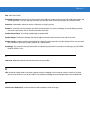
Function Key Mapping
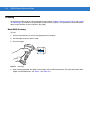
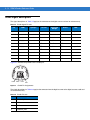
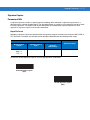
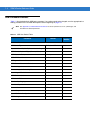
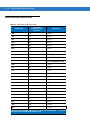
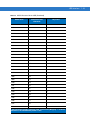
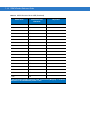
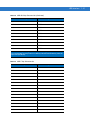
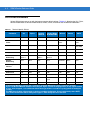
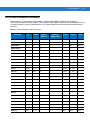
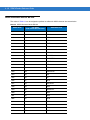
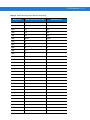
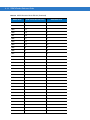
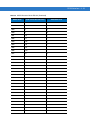
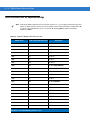
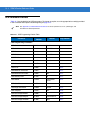
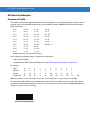
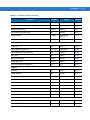
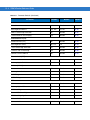
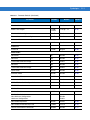
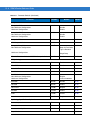
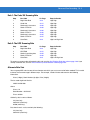
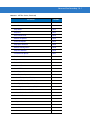
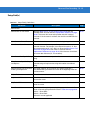
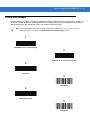
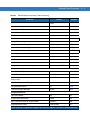
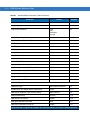
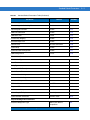
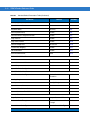
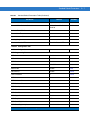
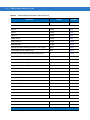
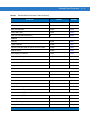
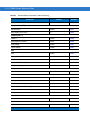
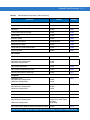
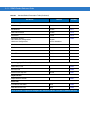
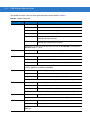
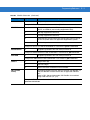
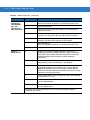
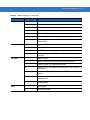
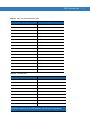
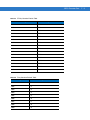
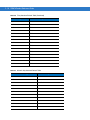
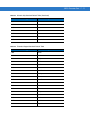
ASCII values under 32 are normally sent as a control-key sequences (see Table 7-2 on page 7-20). When this
parameter is enabled, the keys in bold are sent in place of the standard key mapping. Table entries that do not
have a bold entry remain the same whether or not this parameter is enabled.
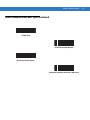
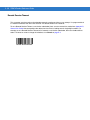
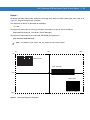
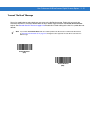
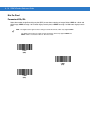
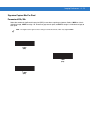
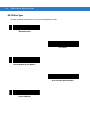
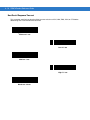
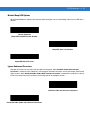
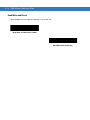
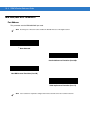
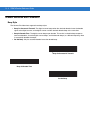
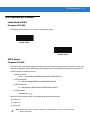
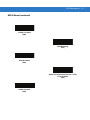
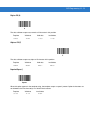
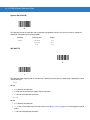
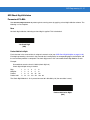
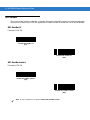
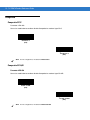
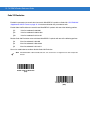
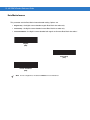
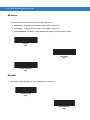
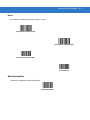
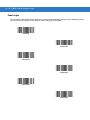
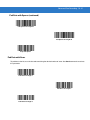
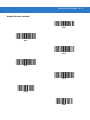
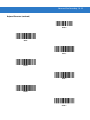
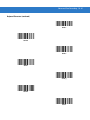
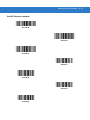
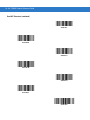
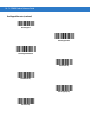
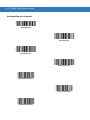
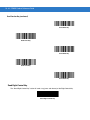
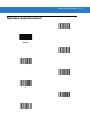
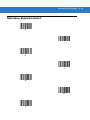
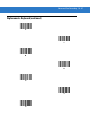
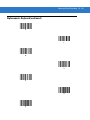
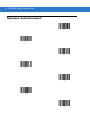
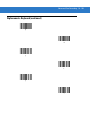
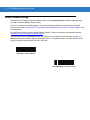
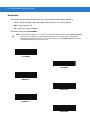
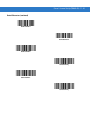
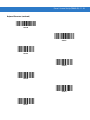
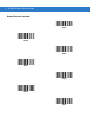
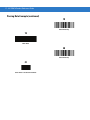
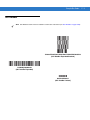
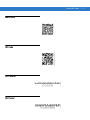
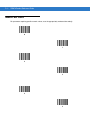
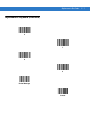
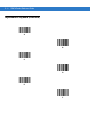
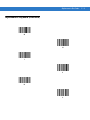
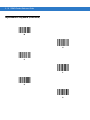
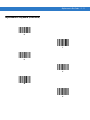
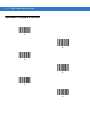
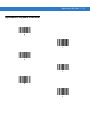
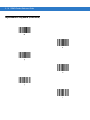
*Disable Function Key Mapping
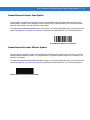
Enable Function Key Mapping
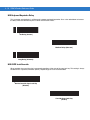
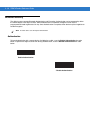
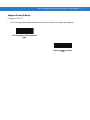
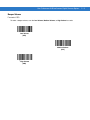
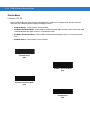
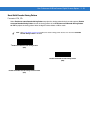
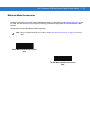
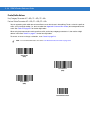
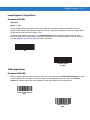
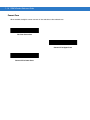
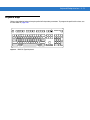
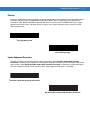
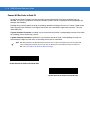
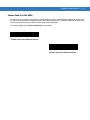
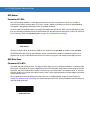
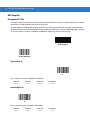
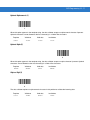
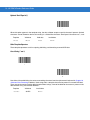
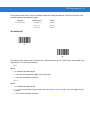
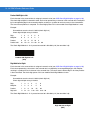
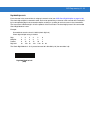
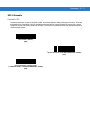
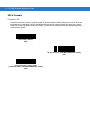
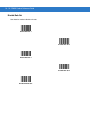
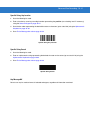
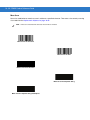
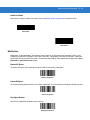
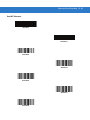
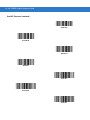
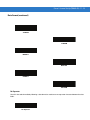
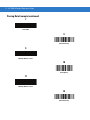
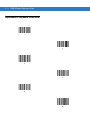
Simulated Caps Lock
When enabled, the digital scanner inverts upper and lower case characters on the digital scanner bar code as if the
Caps Lock state is enabled on the keyboard. This inversion is done regardless of the current state of the
keyboard’s Caps Lock state.
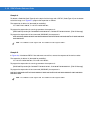
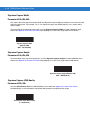
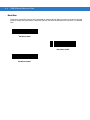
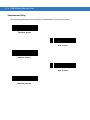
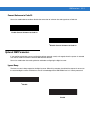
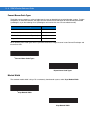
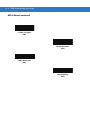
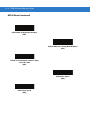
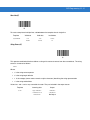
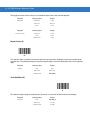
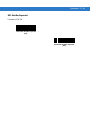
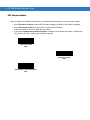
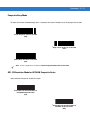
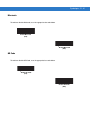
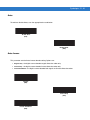
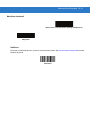
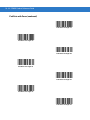
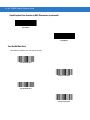
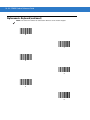
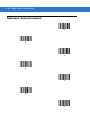
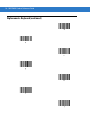
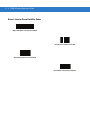
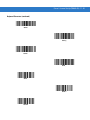
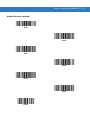
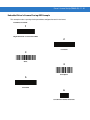
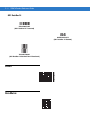
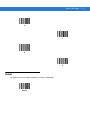
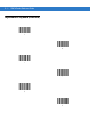
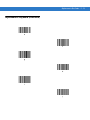
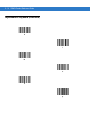
*Disable Simulated Caps Lock
Enable Simulated Caps Lock