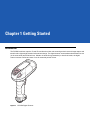
Download Motorola DS3508 Specifications
Transcript
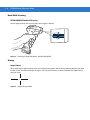
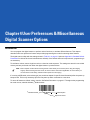
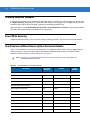
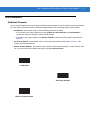
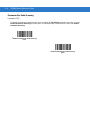
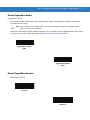
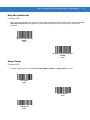
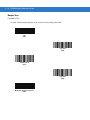
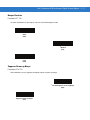
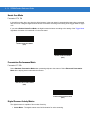
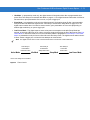
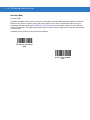
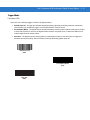
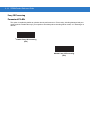
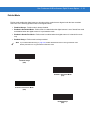
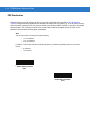
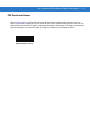
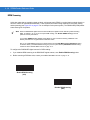
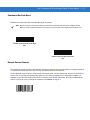
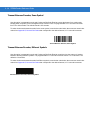
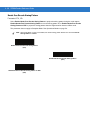
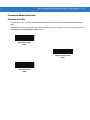
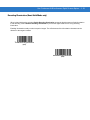
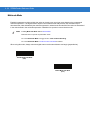
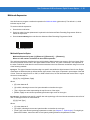
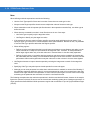
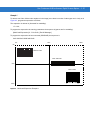
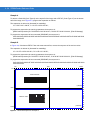
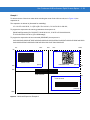
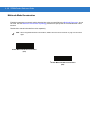
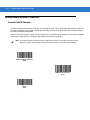
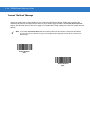
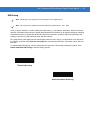
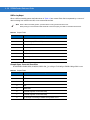
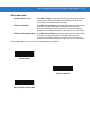
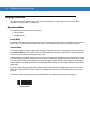
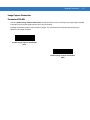
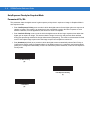
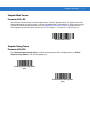
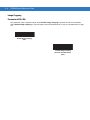
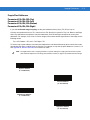
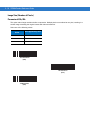
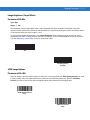
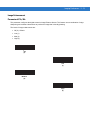
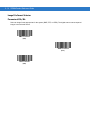
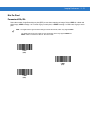
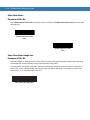
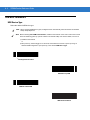
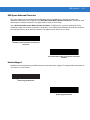
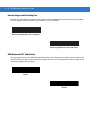
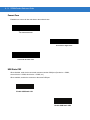
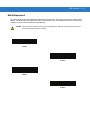
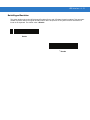
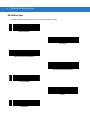
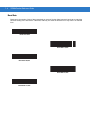
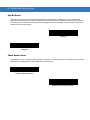
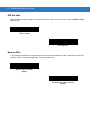
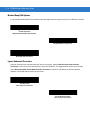
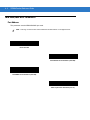
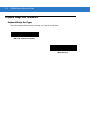
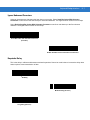
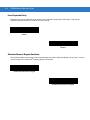
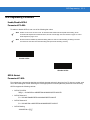
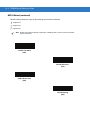
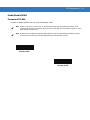
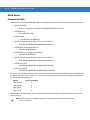
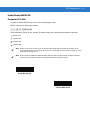
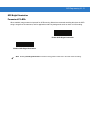
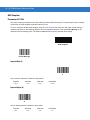
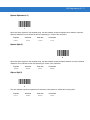
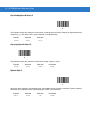
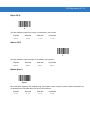
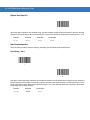
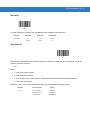
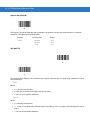
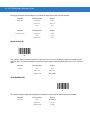
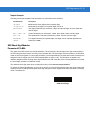
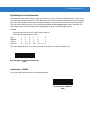
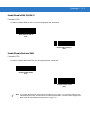
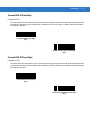
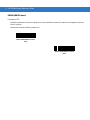
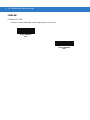
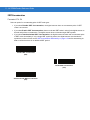
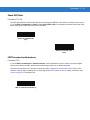
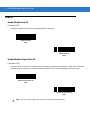
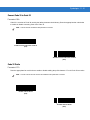
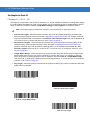
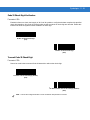
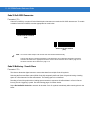
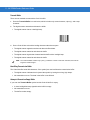
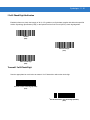
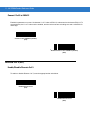
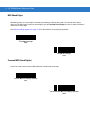
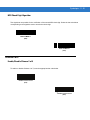
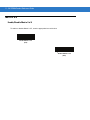
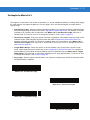
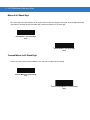
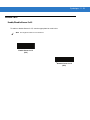
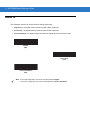
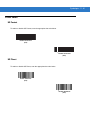
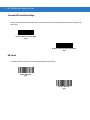
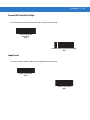
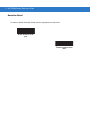
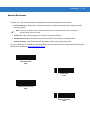
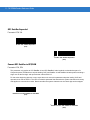
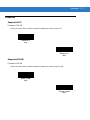
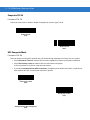
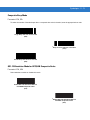
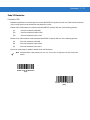
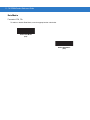
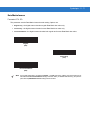
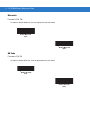
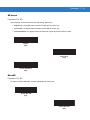
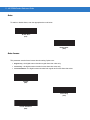
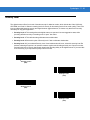
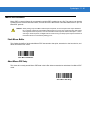
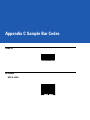
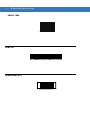
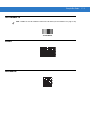
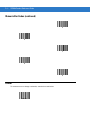
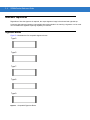
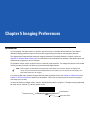
5-4 DS3508 Product Reference Guide Imaging Preferences The parameters in this chapter control image capture characteristics. Image capture occurs in all modes of operation, including decode and snapshot. Operational Modes The digital scanner has two modes of operation: • Decode Mode • Snapshot Mode. Decode Mode By default, when you pull the trigger the digital scanner attempts to locate and decode enabled bar codes within its field of view. The digital scanner remains in this mode until it decodes a bar code or you release the trigger. Snapshot Mode Use Snapshot Mode to capture a high-quality image and transmit it to the host. To temporarily enter this mode scan the Snapshot Mode bar code. While in this mode the digital scanner blinks the green LED at 1-second intervals to indicate it is not in standard operating (decode) mode. In Snapshot Mode, the digital scanner turns on its laser aiming pattern to highlight the area to capture in the image. The next trigger pull instructs the digital scanner to capture a high quality image and transmit it to the host. A short time may pass (less than 2 seconds) between when the trigger is pulled and the image is captured as the digital scanner adjusts to the lighting conditions. Hold the digital scanner steady until the image is captured, denoted by a single beep. If you do not press the trigger within the Snapshot Mode Timeout period, the digital scanner returns to Decode Mode. Use Snapshot Mode Timeout on page 5-7 to adjust this timeout period. The default timeout period is 30 seconds. To disable the laser aiming pattern during Snapshot Mode, see Snapshot Aiming Pattern on page 5-7. Snapshot Mode
Related documents
Motorola DS3508 Specifications
DS3508 Digital Scanner Product Reference Guide (p/n 72E
Motorola SYMBOL MS320X Specifications
Motorola Symbol CR0078-P Cradles Specifications
Symbol DS3578 Product Reference Guide (72E
DS4308/DS4308P Digital Scanner Product Reference Guide (p/n
DS6878-HC - Sklep SmartMedia
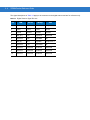
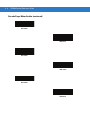
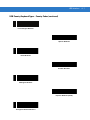
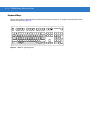
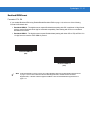
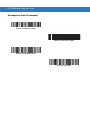
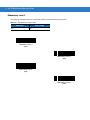
Alphanumeric Keyboard (continued)
Motorola Symbol DS3407 Specifications
Motorola DS3508 Instruction manual
Motorola DS6878 Barcode Scanner User Manual | ID Wholesaler
DS3508 - Motorola Solutions