1
Online Provider Services
User Manual
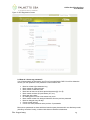
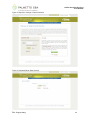
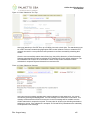
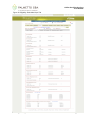
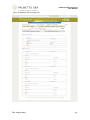
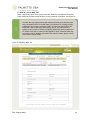
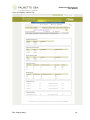
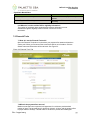
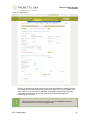
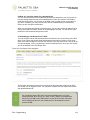
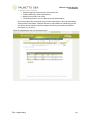
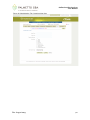
Figure 2: OPS Registration Screen
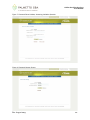
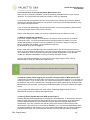
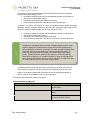
2.2 How do I choose my password?
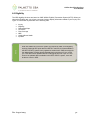
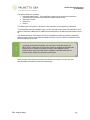
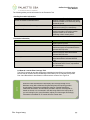
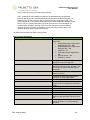
You will automatically be assigned a user ID in a format defined by CMS. You will be allowed to
choose your own password. Your password is case sensitive and:
•
•
•
•
•
•
•
•
•
•
•
Must be at least eight characters long
Must contain an uppercase letter
Must contain a lowercase letter
Must have at least one of these special characters (@, #, or $)
Must contain numbers (0-9) and letters (A-Z, a-z)
Must start with a letter
No leading portion of first or last names may occur
Must contain at least four changed characters from the previous password
Must be changed every 60 days
Cannot contain spaces
Cannot use same password as the previous 13 passwords
More secure passwords are those which are based on pass phrases and/or non-dictionary words
(including ‘nonsense’ words), combined with obscure character substitutions.
Rev. August 2015
15