1
Camera installation
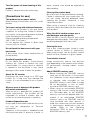
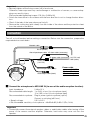
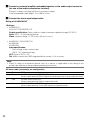
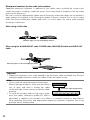
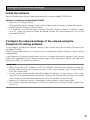
z Mount the camera.
LOCK
OPEN
<Using a junction box>
q Connect each cable. (☞ page 29)
Waterproof the connecting portion. (☞ page 32.)
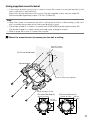
w Align the "OPEN" on the camera with the protrusion of the camera attachment.
e Engage the camera attachment fixing screws on the rear of the camera in the camera
mounting holes of the camera attachment and rotate the camera in the arrow direction to
secure the camera attachment and camera.
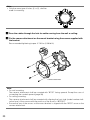
Ensure that the protrusion of the camera attachment is set to the "LOCK" position.
Projections
Camera mounting hole
FRO
NT
TOP
Camera attachment fixing screw
<Using the camera mount bracket>
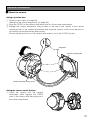
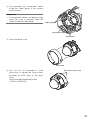
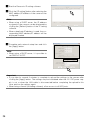
q Attach the camera onto the camera
attachment while aligning the "OPEN"
mark of the camera with the projection of
the camera attachment.
21