1
3
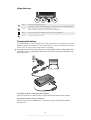
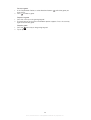
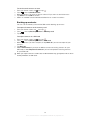
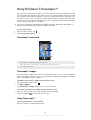
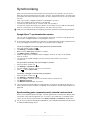
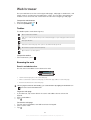
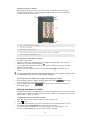
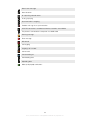
Cover art (if available)
4
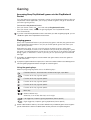
Go to the previous track in the current play queue, or rewind
5
Play/Pause button
6
Progress indicator: fast forward or rewind by dragging or tapping
7
Elapsed time of current track
8
Go to the next track in the current play queue, or fast forward
9
View the current play queue
•
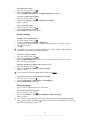
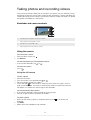
To change tracks
In the music player, tap
or
•
To pause a track
In the music player, tap
.
•
To fast forward and rewind music
In the music player, touch and hold
.
or
.
You can also drag the progress indicator marker right or left.
•
To adjust the audio volume
In the music player, press the volume key.
1
2
3
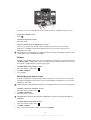
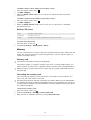
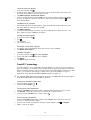
To improve the sound with the equalizer
.
In the music player, press
Tap Equalizer.
Select a music style.
•
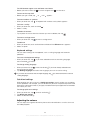
To view a current play queue
In the music player, tap .
•
1
2
To minimise the music player
to change screen, or press
to go to the Home
In the music player, press
screen. You are now free to use other applications while the music player plays in
the background.
To return to the music player when it is playing in the background
Drag the status bar downwards to open the Notification panel.
Tap the track title to open the music player.
Alternatively, if you have recently used the music player, you can press and hold down
then tap to open it.
1
2
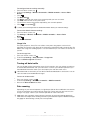
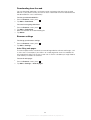
To delete a track
When browsing your tracks in the music player library, touch and hold a track title.
Tap Delete.
You can also delete albums this way.
1
2
3
4
5
To delete one or more tracks at the same time
In the music player, tap .
Press
.
Tap Delete several.
Tap one or more tracks that you want to delete.
Tap Delete.
68
This is an Internet version of this publication. © Print only for private use.
and