1
File Structure
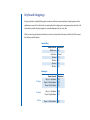
Because we wanted MyTrivia to be completely customizeable, most of the game elements are stored outside
of the main program. There are various folders that contain content that you can change but be careful and
be sure to make back-ups. This manual will take you on a tour of this content and describe how you can build
your own game.
All of the files and folders of MyTrivia are located within the MyTrivia folder which you should place in the C:
drive on a Windows PC (C:\MyTrivia) or the Applications folder on a Macintosh. Open that folder and let’s look
at the folders contained within.
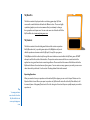
MyBackgrounds
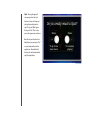
Tip:
When creating a
background image,
darker images with
lesser contrast usually
work best. If there is
too much contrast,
your game might look
cluttered.
MyBackgrounds:
Background images are
1024 x 768 pixels,
72 dpi,
.jpg
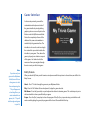
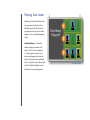
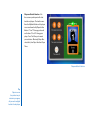
This folder contains graphics used
in the background of the game.
MyTrivia comes pre-loaded with
four backgrounds (Blue, Green,
Grey and Red). Any graphic or
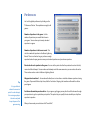
picture you place in this folder will
be available on the Options screen
next time you launch MyTrivia.
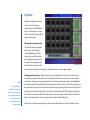
Graphics or pictures should be
JPG’s with a resolution of 1024 x
768. Any other file type or size may
produce undesired results. Use
family photos, desktop wallpapers
or any other cool graphics you’ve
collected over the years. It’s your
game, do as you wish.