1
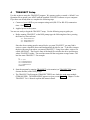
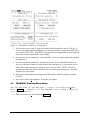
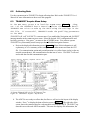
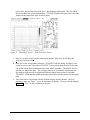
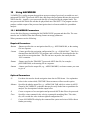
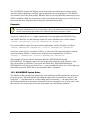
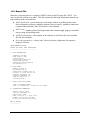
Figure 9. TRANSECT Communication - Summary Menu
4.2
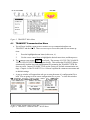
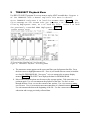
TRANSECT Calibration Menu Setup
You are now back in the MAIN menu. The upper left corner of the
screen shows the name of the configuration file (DEFAULT.CFG) now
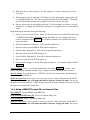
loaded. Press B to load the CALIBRATION menu (Figure 3). Chapter 5
of the TRANSECT User’s Manual explains this menu in detail.
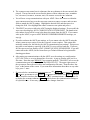
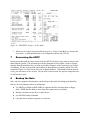
a. TRANSECT now tries to wake up the ADCP using the DEFAULT.CFG settings. If successful, TRANSECT reads ADCP clock and heading values. If not successful, either press
o-WAKE ADCP or return to the COMMUNICATION menu to reestablish communication. NOTE:
^ cancels the wake-up process.
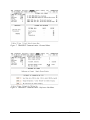
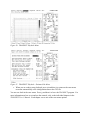
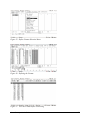
b. Press aO to select the OFFSETS submenu (Figure 10).
Ocean Surveyor User’s Guide
11