1
4.8.3 Delete file
To delete input file stored in the database, select the record to be deleted
and click Delete.
4.8.4 Clear Input Data
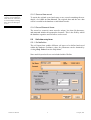
To remove any selected records previously selected, click Clear Input
Data.
5.
Data Input
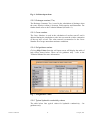
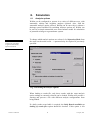
The required input data has been divided into 6 main areas, soil, drainage,
climate, crop, irrigation and initial run settings, each with their own data
input form.
5.1
Common features
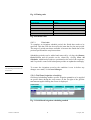
The data input forms have common features, which are discussed below.
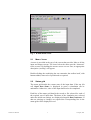
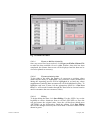
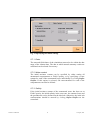
5.1.1 Comments
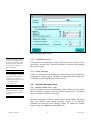
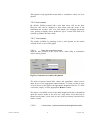
The Comments text box allows the user to include a description about the
record. This information is stored in the database but is not used by the
program. A description of up to 255 characters is allowed.
5.1.2 Last edited
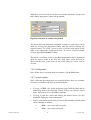
The Last Edited date records the last time any changes were made to the
record (or when the record was created). This is only included for user
information.
5.1.3 Confirm
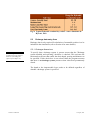
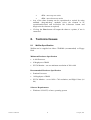
To confirm any changes made to the record click Confirm. This will
update the record within the database. Once completed, the original
details cannot be restored.
5.1.4 Cancel changes
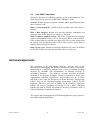
To abort any changes to the record click Cancel Changes and the original
data will be maintained in the database.
WaSim User Manual
8
17 August, 2001