1
Using the Web Configurator
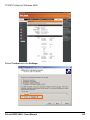
SETUP > Wireless Setup
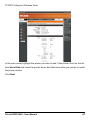
This section tells you how to configure your Print Server so it can connect to your
wireless LAN via an 802.11 wireless router or access point. Connection from
wireless users (computers) to your Print Server is through this wireless router or
access point.
The WIRELESS SETUP screen is divided into two sections: one for wireless
interface, the other for data encryption.
WIRELESS INTERFACE
This section tells you how to configure your Printer Server’s wireless interface.
Connecting to Wireless Router or Access Point
Your Print Server’s wireless interface supports only the Wireless Client mode. This
means that it cannot operate as a wireless access point that provides wireless
connection to wireless computers that send in print files. You will then need to
connect your Print Server to a wireless router or an access point of your network.
Wireless computers accessing the printers will connect to your Print Server via the
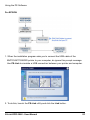
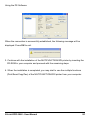
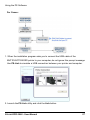
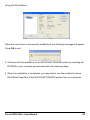
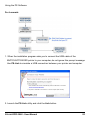
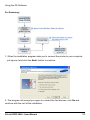
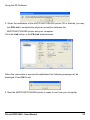
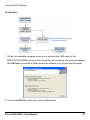
wireless router or access point. Do as follows to connect your Print Server to a
wireless router or access point:
D-Link DPR-2000 - User Manual
46