1
190
Messages
3.
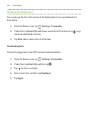
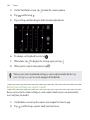
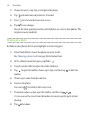
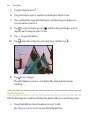
Tap the message, and then tap Copy to SIM. The
icon is displayed.
Deleting messages and conversations
Open the Messages app and do any of the following:
Delete a message
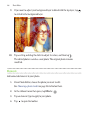
Open the conversation thread with a contact, tap the message,
and then tap Delete message.
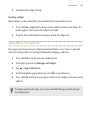
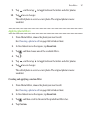
To delete multiple messages within a conversation, tap >
Delete messages > Delete by selection, and then select the
messages to delete.
Delete a
conversation
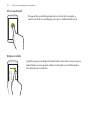
Press and hold a contact (or phone number), and then tap
Delete.
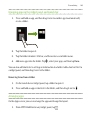
To delete multiple conversations, tap > Delete threads, and
then select the conversations to delete.
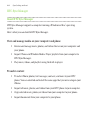
In the Messages settings, tap General > Delete old messages to auto delete
old messages.
Preventing a message from being deleted
You can lock a message to prevent it from being deleted even if you delete the other
messages in the conversation.
1.
Open the Messages app.
2.
Tap a contact (or phone number) to display the exchange of messages with
that contact.