1
Sapido Technology Inc.
www.sapido.com.tw
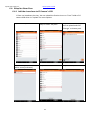
12.2.2 Wired Mode Connection
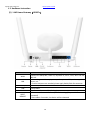
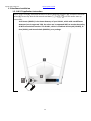
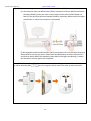
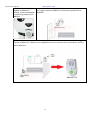
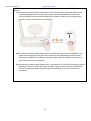
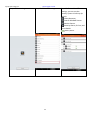
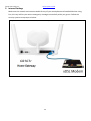
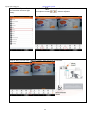
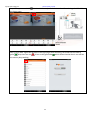
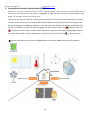
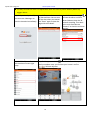
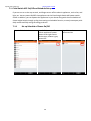
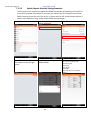
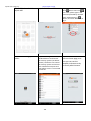
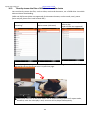
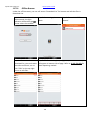
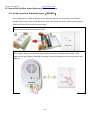
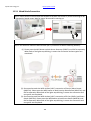
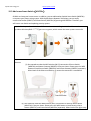
Step 1. Get an Ethernet cable and connect to both Home Gateway (GR267c) LAN port and IPJC2n
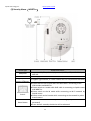
WAN port. Make sure it is on A (AP) mode. Plug-in and wait for 30 seconds to startup. When
and turns green, the boot is succeeded. Shown the picture below:
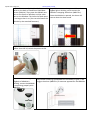
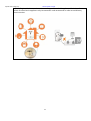
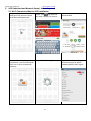
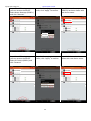
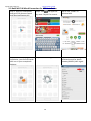
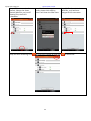
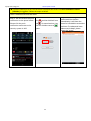
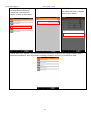
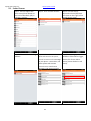
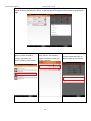
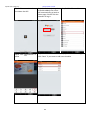
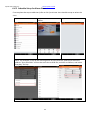
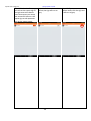
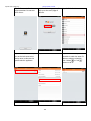
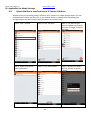
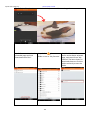
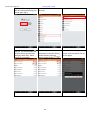
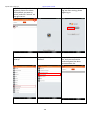
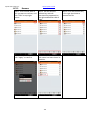
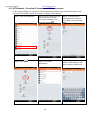
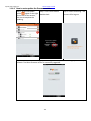
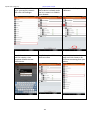
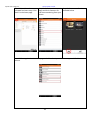
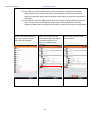
Step 2. Enter Sapido APP then
log in your security network
then click <IOT Settings>
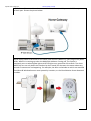
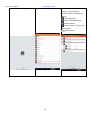
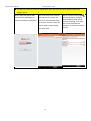
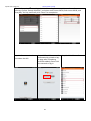
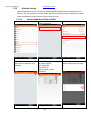
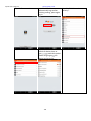
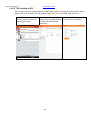
Step 3. You can see the new
IPJC2n device is already under
the list, it means it is added in
your network.
163
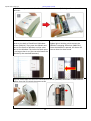
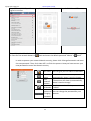
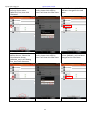
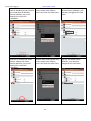
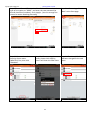
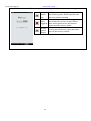
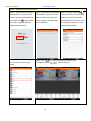
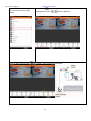
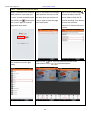
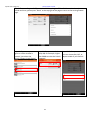
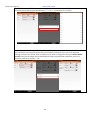
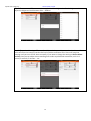
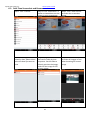
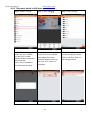
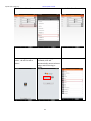
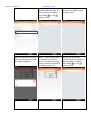
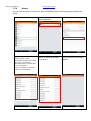
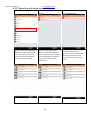
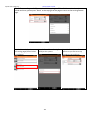
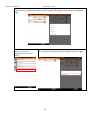
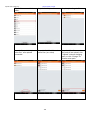
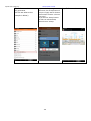
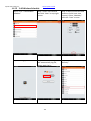
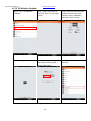
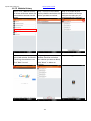
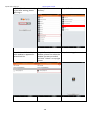
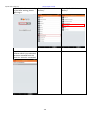
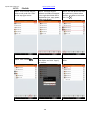
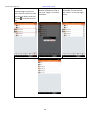
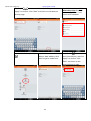
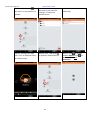
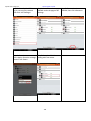
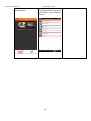
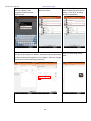
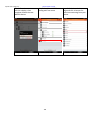
Step 4. Select IPJC2n, then click
<Rename>