1
SECURE PROFESSIONAL CLAIM
USER GUIDE
Send and Receive
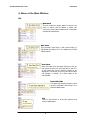
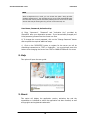
Select this option to start the transmit and receive process as
described previously in the description of the “Tool Bar,
Send/Receive” option.
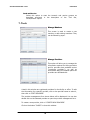
7. Tools
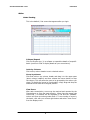
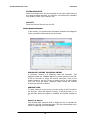
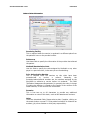
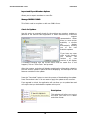
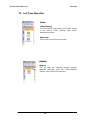
Manage Members
This screen is used to create a new
member or edit existing members. They
can be filtered by payer.
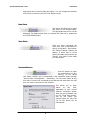
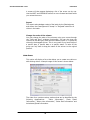
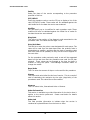
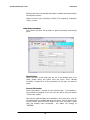
Manage Providers
This option will allow you to manage the
information required for billing providers
and for providers that rendered service
(“rendering providers”), as well as
information about the medical plans the
providers are affiliated with.
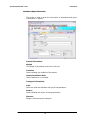
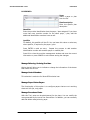
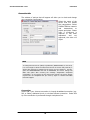
Listed in this window are registered providers for the facility or office. To edit
the information for a specific provider, click on the provider name to select it,
then click on “EDIT PROVIDER”.
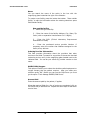
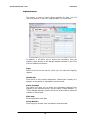
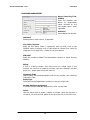
The provider management form shown below will be displayed. You can also
double click on the selected provider to open the provider management form.
To create a new provider, click on “CREATE NEW PROVIDER”.
Click on the button “CLOSE” to close this window.
20