1
Single-Channel Digital Video Recorder
Appendix B — Reviewing Backup Images
Disconnect the external USB-IDE hard disk drive from the DVR, and connect it to your PC.
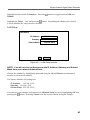
Double-clicking the target backup file starts the Player program.
NOTE: You do not need to install any special software on your personal
computer to review the video. The backup file contains the Player program.
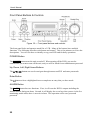
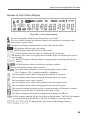
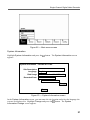
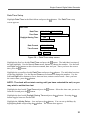
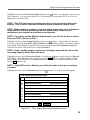
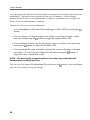
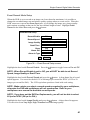
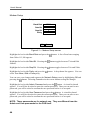
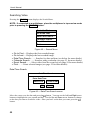
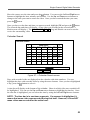
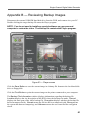
Figure 53 — Player screen
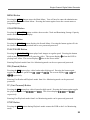
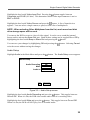
Click the Save Button to save the current image in a bitmap file format to the local hard disk
drive or floppy disk.
Click the Print Button to print the current image on the printer connected to your computer.
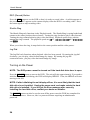
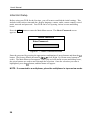
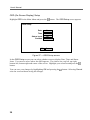
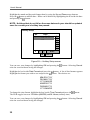
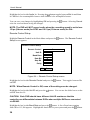
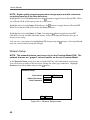
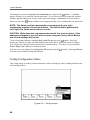
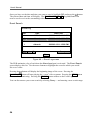
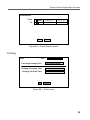
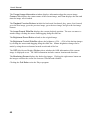
The Backup File Information window displays information regarding the backup file.
Location displays the site description of the DVR where the backup was made. Record
displays the time span of the video backup file. Encryption displays whether the backup file
has been tampered with. Normal means the file has not been tampered with, Wrong means
the system has detected tampering, and Unknown means the user cancelled the encryption
check.
61