1
E69 Motion
3.1.2.2 SCN5 x2
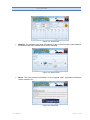
This configuration uses to USB – RS-485 converters that are connected to a single SCN5
actuator.
Figure 3-10. Communication with two actuators, two converters
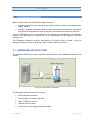
The operation to communicate with two actuators is similar to the SCN5 operation. The same
steps have to be followed with both COM ports.
3.1.3 Test
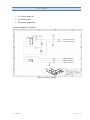
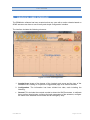
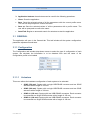
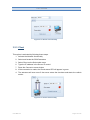
Once the actuators have been located and calibrated, their operation can be verified by
means of two sliding controls that send a position to each actuator.
Figure 3-11. Individual simple test of each actuator
These controls stop having an effect on the actuators once the user has opened a simulator.
3.1.4 Emergency stop
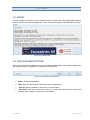
The motion can be stopped by clicking on the image of the emergency pushbutton if
off-normal system operation is encountered.
Figure 3-12. Emergency pushbutton
User Manual
Page 15 of 22