1
Software Installation
ASSA ABLOY Integration
24-10685-130 Rev. C
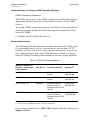
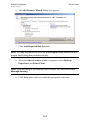
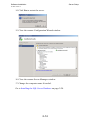
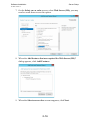
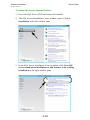
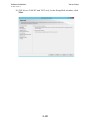
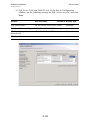
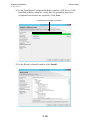
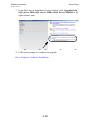
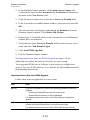
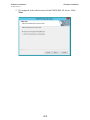
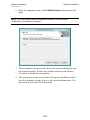
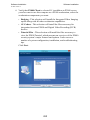
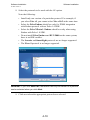
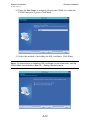
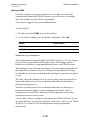
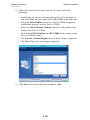
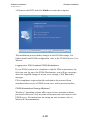
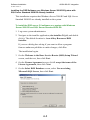
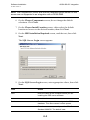
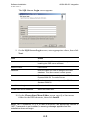
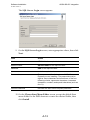
The SQL Server Login screen appears.
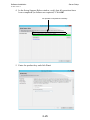
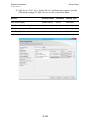
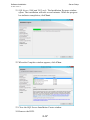
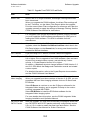
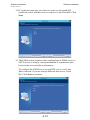
9. On the SQL Server Login screen, enter appropriate values, then click
Next.
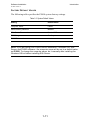
Field
Action
Host
127.0.0.1 is the required value.
Instance name
SQLEXPRESS is the required value.
Database
DSR is the required value.
Username
sa is the required value.
Password
Enter a password for the instance of SQL Server
Express you are installing. The password must be
eight or more characters and meet three of the four
following criteria: uppercase characters, lowercase
characters, numbers, and special characters (such as
# or %).
Confirm Password
Re-enter the SQL Server Express password.
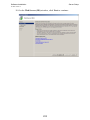
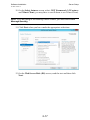
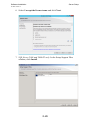
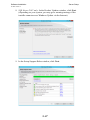
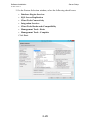
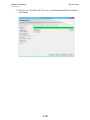
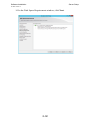
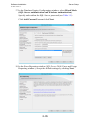
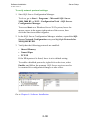
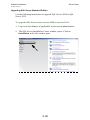
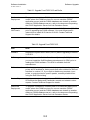
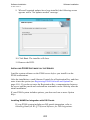
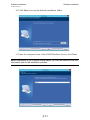
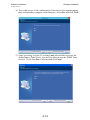
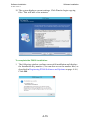
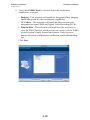
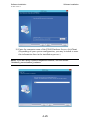
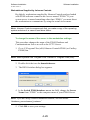
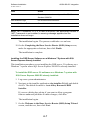
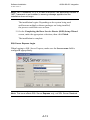
10. On the Choose Start Menu Folder screen, accept the default Start
menu folder for the DSR shortcuts or enter the desired folder, then
click Install.
A-12