1
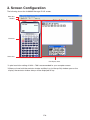
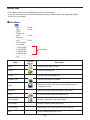
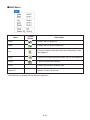
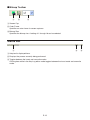
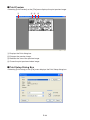
k Bitmap Toolbar
1
2
3
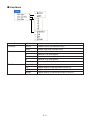
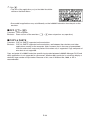
1 Screen Cap
2 Outer Frame
Specifies an outer frame for screen captures.
3 Bitmap Size
Specifies the bitmap size. A setting of 1 through 10 can be selected.
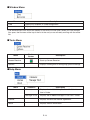
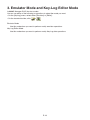
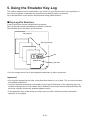
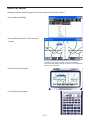
Status Bar
2
1
3
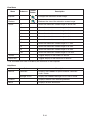
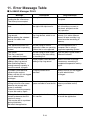
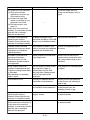
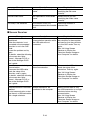
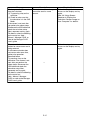
1 Help text is displayed here.
2 Displays the process currently being performed.
3 Toggles between the insert and overwrite modes.
Clicking here while in the Key-Log editor mode toggles between the insert mode and overwrite
mode.
E-15