1
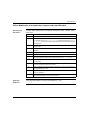
Logic Mismatch
Performing
Application
Program
Transfer
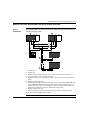
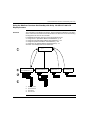
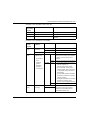
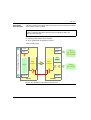
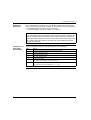
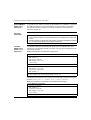
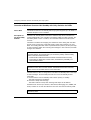
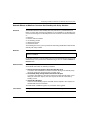
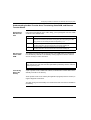
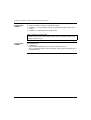
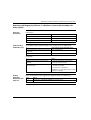
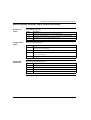
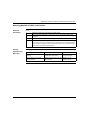
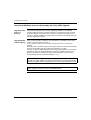
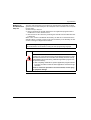
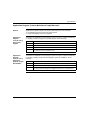
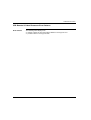
When performing an application program transfer, you want to avoid the possibility
of having two different application programs running in the Primary and Standby.
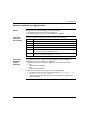
Resetting
Command
Register System
Bit %SW60.3
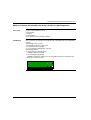
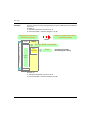
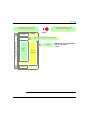
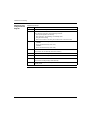
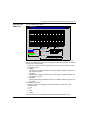
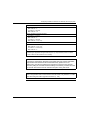
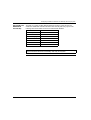
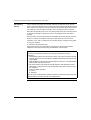
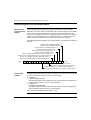
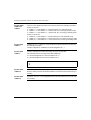
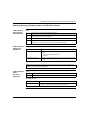
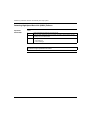
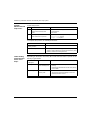
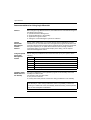
When resetting the Command Register system bit %SW60.3 to 0, you want to avoid
the possibility of having two different application programs running in the Primary
and Standby.
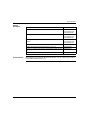
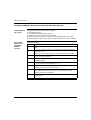
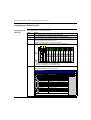
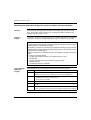
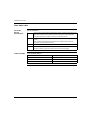
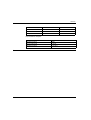
Step
1
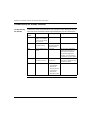
Step
Action
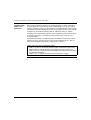
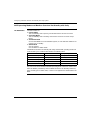
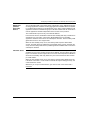
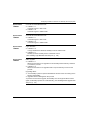
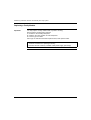
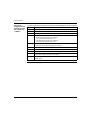
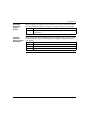
Perform Application program transfers after completing online modifications with
Logic Mismatch.
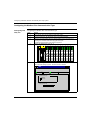
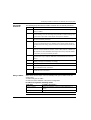
Action
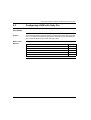
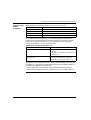
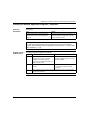
1
Connect to Primary.
2
Access the Command Register system bit %SW60.3.
3
Reset bit to 0.
161