1
Phone Functions & Input
2. Phone Functions & Input
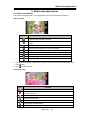
Phone Functions
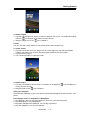
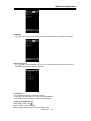
Tap Application Drawer > APPS tab > Phone.
2.1 Voice Calls
Making a call
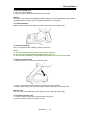
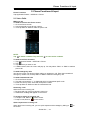
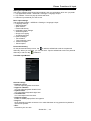
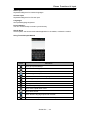
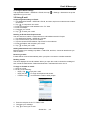
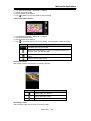
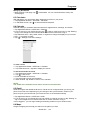
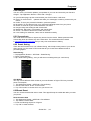
To make a call from the Phone screen
1. Go to the Phone screen.
2. Use the keypad to input phone number.
3. Then tap SIM1 or SIM2 to make the phone call.
NOTE:
Tap
to delete a number. Tap and hold
to erase entire numbers.
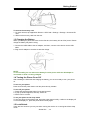
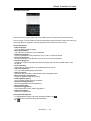
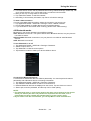
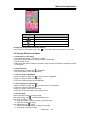
To make a call from Contacts
1. Tap Application Drawer > APPS tab > Phone.
2. Tap
.
3. Tap a contact you want to call.
4. If SIM2 inserted, there is a menu will pop up. You may select “SIM1” or “SIM2” to make a
phone call.
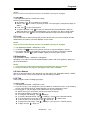
To make emergency calls
You have to unlock your device before making an emergency call. Enter the international
emergency number 112, and tap SIM1 or SIM2 to make the emergency call.
To make international calls
1. Go to the Phone screen.
2. Tap and hold 0 until the “+” is displayed which is international prefix code.
3. Enter the country code, area code, and phone number.
4. Then tap SIM1 or SIM2 to make the international call.
Answering a call
When there is an incoming call:
• The phone will ring if the ring volume is turned on.
• A notification message will appear on the screen.
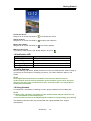
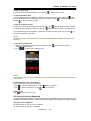
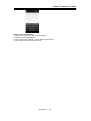
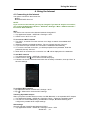
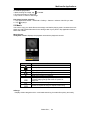
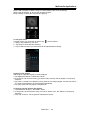
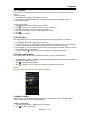
To accept or reject an incoming call
• To accept a call, slide to
on the screen.
• To reject a call, slide to
on the screen.
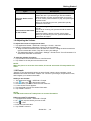
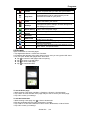
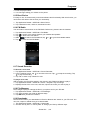
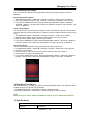
Quick response an incoming call
When there is an incoming call, you can quick response with message by sliding to
the screen.
Simba SX1| 2-1
on