1
2.6
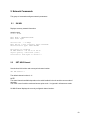
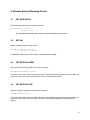
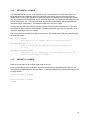
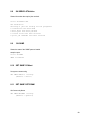
SET NW RADio
Sets the wireless LAN Radio Mode
SET NW RADio
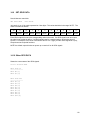
[ 802.11a-n | 802.11b-g-n | 802.11a-b-g-n]
This command is only useful for the SX-580. The SX-570 only supports 802.11b-g-n mode (2.4GHz).
For the SX-580, the radio can be configured to use all frequencies, or only the 2.4GHz frequencies
(802.11b-g-n) or only the 5GHz frequencies (802.11a-n).
For the SX-580, the default value is 802.11a-b-g-n.
Note. This command is not supported in access point mode.
SH NW RADio will display the currently configured radio mode.
2.7
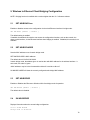
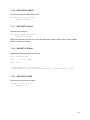
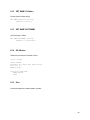
SH NW RATE
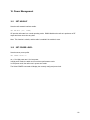
Shows the current wireless link rate.
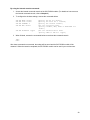
SET NW RAdio
<mode>
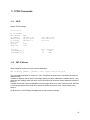
Current rate
= 72 Mbps
This is an instantaneous value subject to change.
2.8
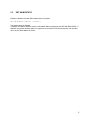
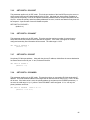
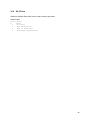
SET NW RTS
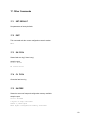
Sets WLAN RTS threshold
SET NW RTS
n
n = 0-1500
(default = 0)
This sets the packet size at which the 802.11 RTS handshake is used for transmission.
If the value is set to zero, the 802.11 RTS handshake is disabled.
SH NW RTS will display the currently configured value.
65