1
Trigger Functions
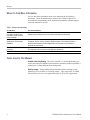
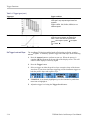
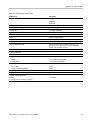
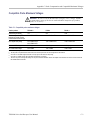
Table 3-1: Trigger types (cont.)
Trigger type
Trigger conditions
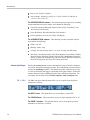
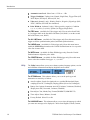
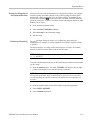
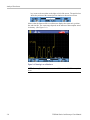
Video
Trigger on specified fields or lines of a composite
video signal. Only composite signal formats are
supported.
Trigger on NTSC, PAL, PALPIus, SECAM, or non
interlaced signals.
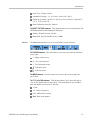
Rise/Fall time
Trigger on rise and fall times. Trigger on pulse
edges that traverse between two thresholds at
faster or slower rates than the specified time.
Specify pulse edges as positive ( ) or negative
( ) or either ( ).
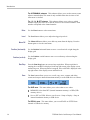
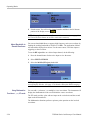
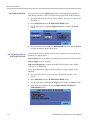
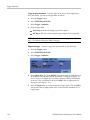
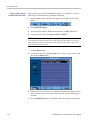
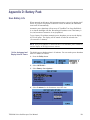
Set Trigger Level and Slope
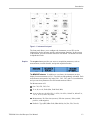
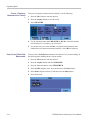
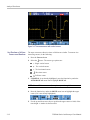
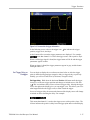
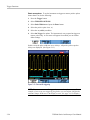
The AutoRange™ function enables hands-off triggering to display complex
unknown signals. To manually optimize trigger level and slope, do the following:
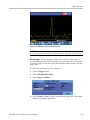
1. Press the Autoset button to perform an auto set. When the process is
complete, RUN will appear at the top right of the display screen. This will
ensure a stable display of most any signal.
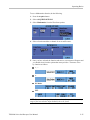
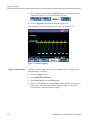
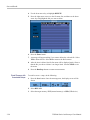
2. Press the Trigger button.
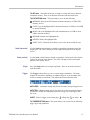
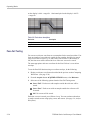
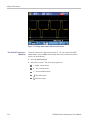
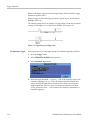
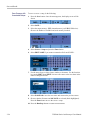
3. Select to trigger on either the positive slope or negative slope of the chosen
waveform. If you select dual slope triggering ( ) the instrument triggers on
both the positive slope and negative slope.
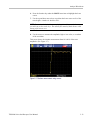
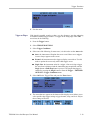
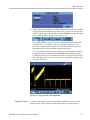
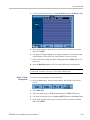
4. If MANUAL is not already highlighted, press the function key under that
menu item to highlight it.
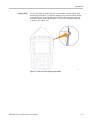
5. Adjust the trigger level using the Trigger Level buttons.
3–16
THS3000 Series Oscilloscopes User Manual