1
CLI User Manual
miniCMTS200a
Release 1.3
Page 20 of 44
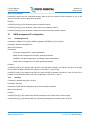
Mode: Global
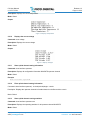
Example:
2.3.32
Display route information
Command: show ip route
Description: Displays route information
Mode: Global
2.3.33
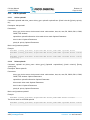
tftp upload configuration files
Command: tftp config put server <server_ip>
Description: The current CMTS configuration information is uploaded to the specified server
Mode: Global Server IP address uploaded:
Parameters: server_ip
2.3.34
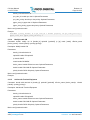
tftp downstream configuration file
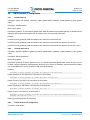
Command: tftp config get file <file_path> server <server_ip> [withip]
Description: download the configuration file from the specified server
Mode: Global
Parameters: file_path: the name of the configuration file on the server server_ip: download server IP address with
ip: After downloading the configuration file does not overwrite the original ip.conf file. Optional.
2.3.35
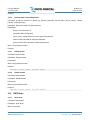
tftp upload files
Command: tftp upMode put server <server_ip> src <src_path> dst <dst_path>
Description: The current CMTS files uploaded to the server
Mode: Global Server IP address uploaded:
Parameters: server_ip CMTS in the full path of the file to be uploaded: src_path dst_path: file name is stored in
the server
2.3.36
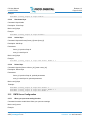
tftp to download the file
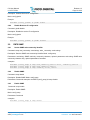
Command: tftp upMode get server <server_ip> src <src_path> dst <dst_path>
Description: download the specified file from the specified server
Mode: Global
Parameters: server_ip: download server IP address src_path: servers need to download a file name dst_path:
download the full path of the file stored in CMTS
2.3.37
ftp upload configuration files
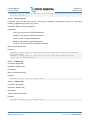
Command: ftp config put server <server_ip> user <user_name> passwd <user_password>
Description: The current CMTS configuration information is uploaded to the specified server
Copyright © 2014 Pico Digital Inc. All rights reserved
www.picodigital.com
subject to change
CONTACT US 858.546.5050