1
10
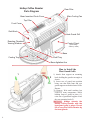
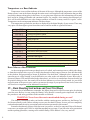
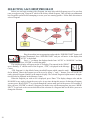
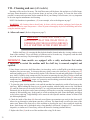
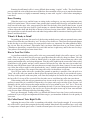
In the display’s Message Center you will now see “Preheat.” The roaster
is coming up to temperature. The amount of time this process takes varies.
11
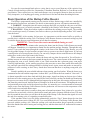
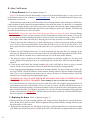
When it is time to add the beans, the machine will beep and the Message Center will show the “Add Beans” animation. Add the beans and the
roast will progress automatically.
12
13
21
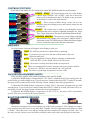
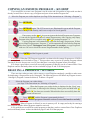
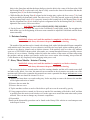
After the “Add Beans” animation ends the roaster goes into the “Roasting” mode and progresses through it’s roast. The time display counts down
from the amount of time you programmed towards 0:00. The temperature
display show the real-time temperature in the roasting chamber.
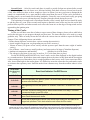
While the roast is in progress, if at any time the temperature
display reaches 410 F., a safety feature will warn the user by beeping
a warning. If the user does not press ENTER within 30 seconds the
beans will be automatically ejected.
With 40 seconds left in the programmed time, the roaster will beep
and the display will show “Plus Time.” If you choose to add more time,
press the + button. This will add 30 seconds to the roasting time. After an
additional 30 seconds the machine will beep again, and more plus time can
be added. Six “Pluses” can be added in this way, which extends the roasting
time an additional three minutes over and above the original programmed
time. CAUTION: When adding Plus Time care must be taken not to
burn the beans.
14
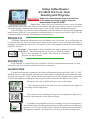
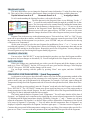
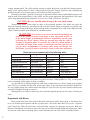
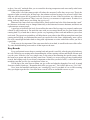
At the end of programmed time, or after Plus Time has expired, or
when the user has pressed the EJECT button, the beans are automatically
dumped into the cooling tray and a four minute cool down begins, with the
animation shown here displayed in the message center on the screen.
15
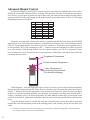
When the Cool Down mode is over, the machine will signal you with
beeping and the LED display turns from white to a yellow-green tint, and
the Chaff tray animation will display, reminding you to remove and empty
the chaff tray before beginning the next roast.