1
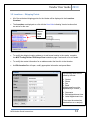
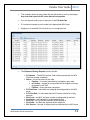
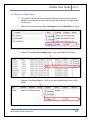
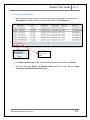
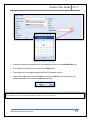
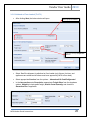
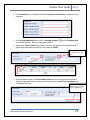
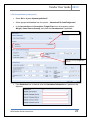
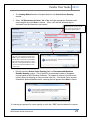
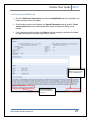
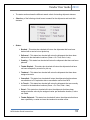
Vendor User Guide 2013 If the Hazardous box is checked enter the Hazardous Information as it pertains to the shipment. In the Loading Method section click the magnifying glass for available choices. Select the appropriate option. Select either Floor Loaded (only fixtures, furniture, and appliances are authorized all others must have approval by MCX to floor load) or Pallets next to Handling Unit Weight automatically calculated from previous entry Enter the actual number of Total Handling Units and click on the drop down arrow to select the appropriate option then enter the total shipment Cubic Feet Calculation and click Next to continue. Click Next to proceed, Back to return to previous screen or Cancel to quit MCX Vendor Portal Instructions 21