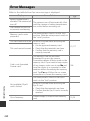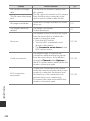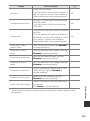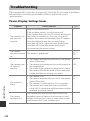
1
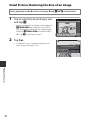
Small Picture: Reducing the Size of an Image
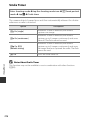
Enter playback mode M select an image M tap F M g Small picture
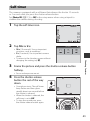
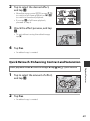
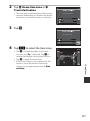
1
Tap to select the desired copy size,
and tap I.
Small picture
640×480
• Images captured at an image mode setting of
l 4608×2592 are saved at a size of 640 ×
360, and images captured at an image mode
setting of s 3456×3456 are saved at 480 ×
480. Tap I to proceed to step 2.
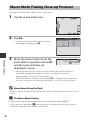
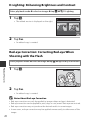
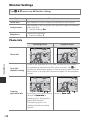
2
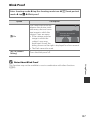
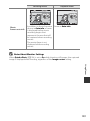
Tap Yes.
• An edited copy is created (compression
ratio of approximately 1:8).
Create small picture file?
Yes
Playback Features
78
No