1
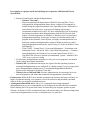
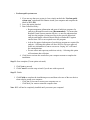
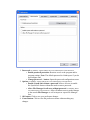
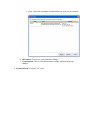
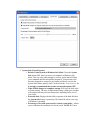
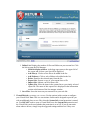
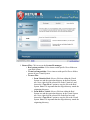
◦ Update Now button: Forces RVS to check for an antimalware database update
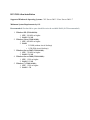
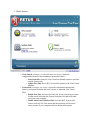
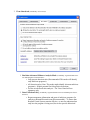
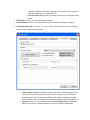
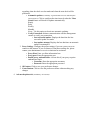
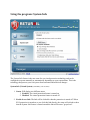
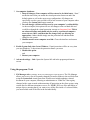
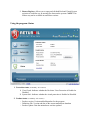
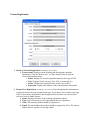
3. License status (Availability: All versions):
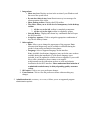
1. Type
▪ Free: Unregistered free version
▪ Home Free: Registered free version
▪ Trial: Full functionality for 30 days. If not licensed within the trial
period, the software will revert to the unregistered free for home use
version
▪ Home Lux: Paid consumer version
▪ Enterprise Classic: Business, Education, Non-Profit version for small to
large networks without Antimalware capability
▪ Enterprise Premier: Business, Education, Non-Profit version for small
to large networks WITH Antimalware capability
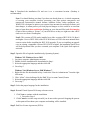
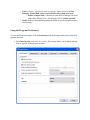
2. Renew Now button and the more detail link: Opens the License Registration
screen
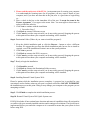
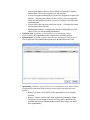
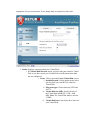
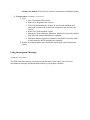
Using the program: Messages
(Availability: All versions)
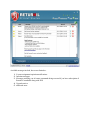
The RVS client also contains your own personal Message Center where you will receive
miscellaneous messages and notifications related to your product's features.