1
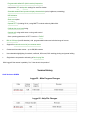
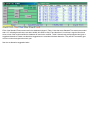
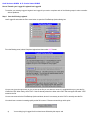
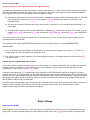
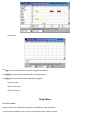
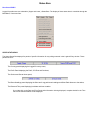
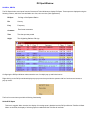
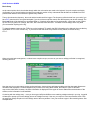
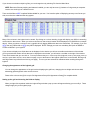
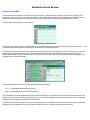
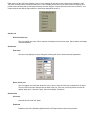
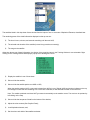
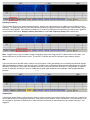
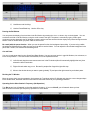
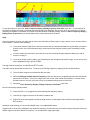
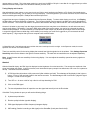
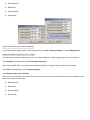
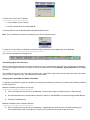
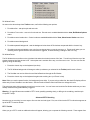
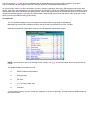
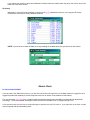
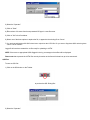
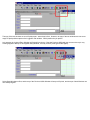
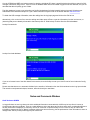
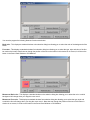
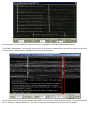
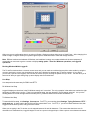
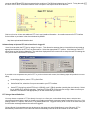
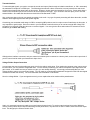
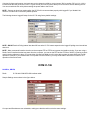
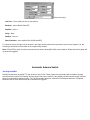
If you have the automatic lookup selected, a dialog box will be automatically populated with information after entering a callsign in
the Logbook Entry Window and pressing the TAB key or moving the cursor to another field with the mouse. The display will be
similar to that shown below.
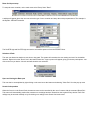
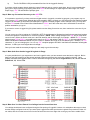
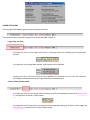
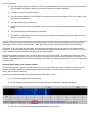
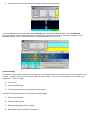
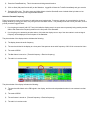
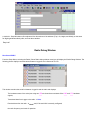
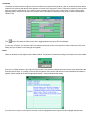
If you are using the manual mode of lookup, after entering the callsign in the Logbook Entry Window you must click on the icon
under the menu bar.
From QRZ.com
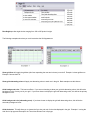
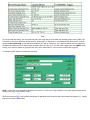
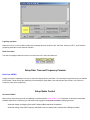
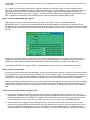
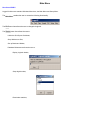
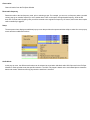
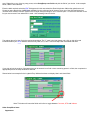
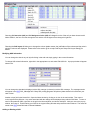
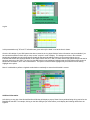
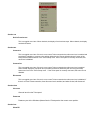
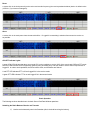
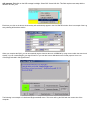
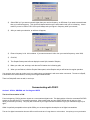
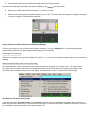
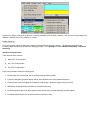
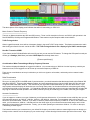
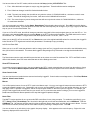
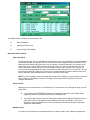
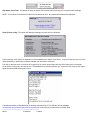
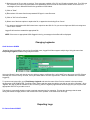
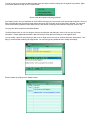
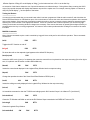
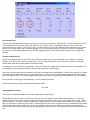
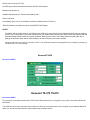
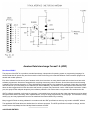
A similar panel will be produced if you wish to use the QRZ.com facility but YOU MUST be connected to the internet before this
work.
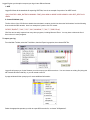
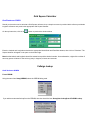
If you wish an automated QRZ.com lookup, then check the menu item under Setup|Auto lookup|Auto www.qrz.com, otherwise
click on the QRZ.com icon under the menu bar.
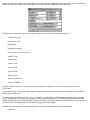
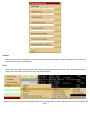
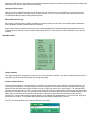
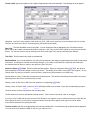
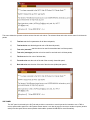
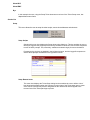
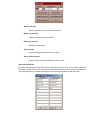
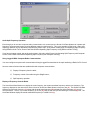
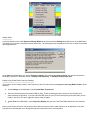
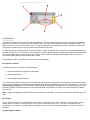
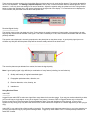
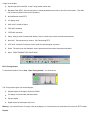
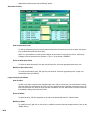
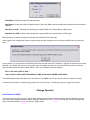
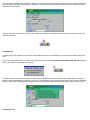
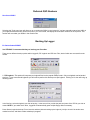
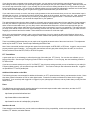
Facilities are built in to allow for the transfer of fields, from the CDROM or the online QRZ.com site lookup tables, into the Log
window – either automatically or manually. Check one or a combination of menu options to achieve the desired results. Note that
both the QRZ and the CDROM lookups have their own display windows and therefore different options may be set up for each.
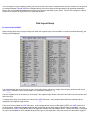
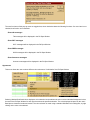
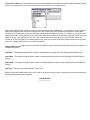
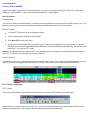
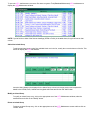
From the GO List