1
Pololu Maestro Servo Controller User's Guide
© 2001–2014 Pololu Corporation
Application Examples
• Serial servo controller for multi-servo projects (e.g. robot
arms, animatronics, fun-house displays) based on microcontroller
boards such as the BASIC Stamp, Orangutan robot controllers
[http://www.pololu.com/category/8/robot-controllers],
or
Arduino
platforms
• Computer-based servo control over USB port
• Computer interface for sensors and other electronics:
◦ Read a gyro or accelerometer [http://www.pololu.com/category/
80/accelerometers-gyros-compasses] from a computer for novel user
interfaces
◦ Control a string of ShiftBrites [http://www.pololu.com/product/
1222] from a computer for mood lighting
• General I/O expansion for microcontroller projects
• Programmable, self-contained Halloween or Christmas
display controller that responds to sensors
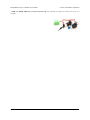
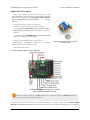
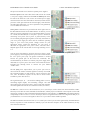
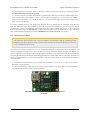
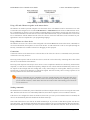
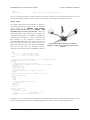
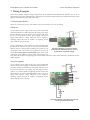
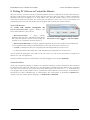
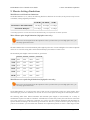
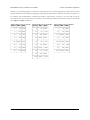
Micro Maestro as the brains of a tiny
hexapod robot.
• Self-contained servo tester
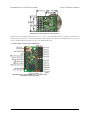
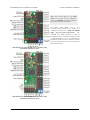
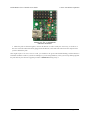
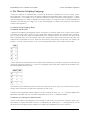
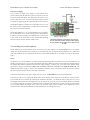
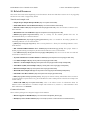
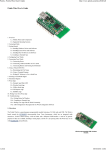
1.a. Micro Maestro Pinout and Components
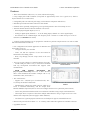
Micro Maestro 6-channel USB servo controller
(fully assembled) labeled top view.
Note: This section applies to the Micro Maestro servo controller. Please see Section 1.b for Mini
Maestro pinout and component information.
The Pololu Micro Maestro 6-channel servo controller can connect to a computer’s USB port via a USB A to mini-B
cable [http://www.pololu.com/product/130] (not included). The USB connection is used to configure the servo controller. It
1. Overview
Page 7 of 73