1
5
COMMISSIONING
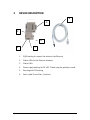
The ACCON-NetLink-PRO compact is shipped with the IP address
192.168.4.49.
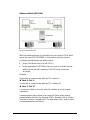
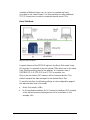
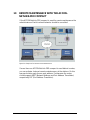
Connection to the automation device
Connect the 9-pin SUB-D plug to the MPI or PROFIBUS interface of your
S7 controller.
Connection to the PC via RJ45 Ethernet-Interface
Put one end of the patch cable into the Ethernet bushing of your ACCONNetLink-PRO and the other end into a hub or switch which is connected
to your PC's network card.
You can also directly connect the ACCON-NetLink-PRO compact to your
PC's network card without a switch.
Installation software
After inserting the DELTALOGIC Automatisierungstechnik-CD please
start the data file SetupAcconS7Net.exe for the ACCON-S7-NET driver
(<CD-drive>\S7-Adapter).
For an installation you have to be logged in as administrator.
Set PG/PC-Interface
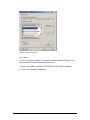
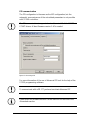
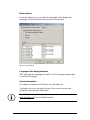
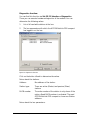
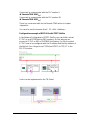
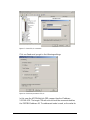
1. Open the SIMATIC PG/PC interface
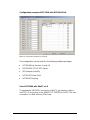
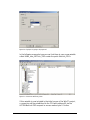
The following points have to be in the dialog «Set PG/PC Interface«:
- ACCON-S7-NET NLPro(MPI)
- ACCON-S7-NET NLPro(PPI)
- ACCON-S7-NET NLPro(PROFIBUS)
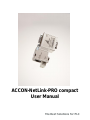
ACCON-NetLink-PRO compact
9