1
BeanCounter Desktop User Guide v1.10 TM
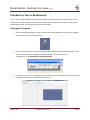
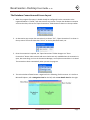
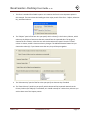
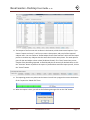
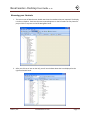
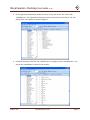
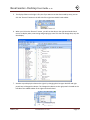
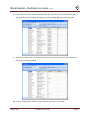
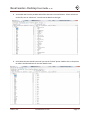
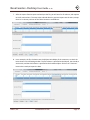
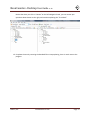
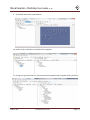
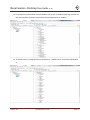
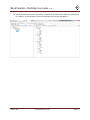
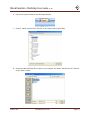
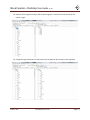
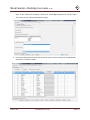
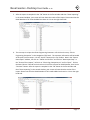
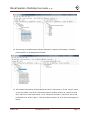
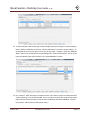
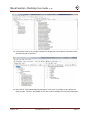
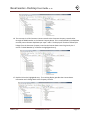
Browsing your Contacts 1. The main screen of BeanCounter should now show the new data that was imported. The display is similar to Explorer. Each item that was imported appears on the left under the “My Contacts” project. Click on any item on the left Navigation Panel. 2. After you click on an item on the left, you will see the data about that item displayed on the right Item Details Panel. Datura, LLC www.datura‐llc.com Page 14