1
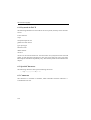
The Alignment Box
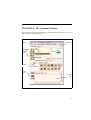
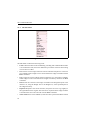
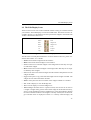
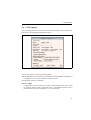
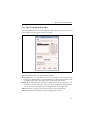
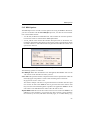
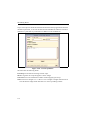
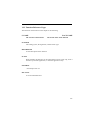
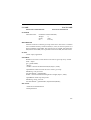
5.2 The Alignment Box
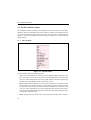
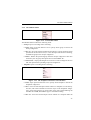
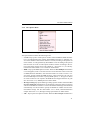
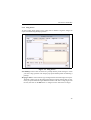
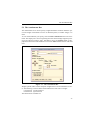
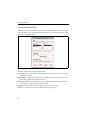
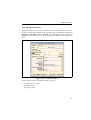
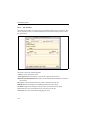
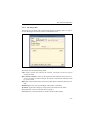
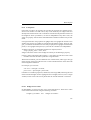
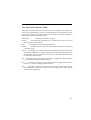
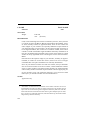
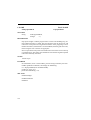
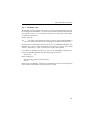
The Alignment Box is used to align widgets relative to each other, or to a parent widget. It can also be used to apply a snap-on grid to a composite widget so that widgets
are aligned in it as they are created, moved, or resized. Open the box by clicking on
Alignment... in the Edit menu.
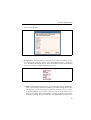
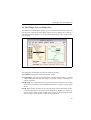
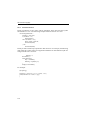
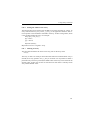
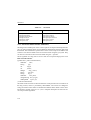
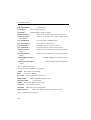
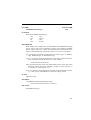
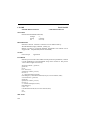
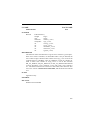
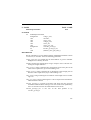
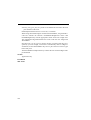
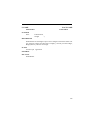
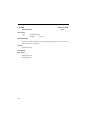
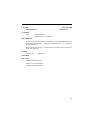
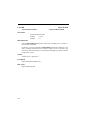
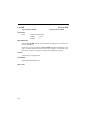
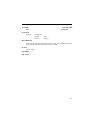
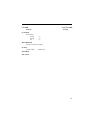
Figure 5.6: The Alignment Box
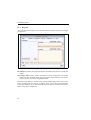
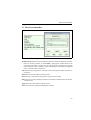
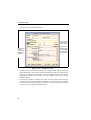
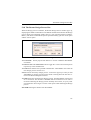
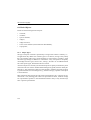
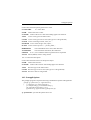
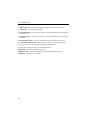
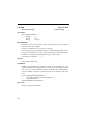
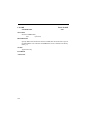
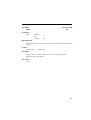
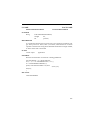
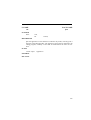
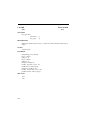
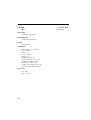
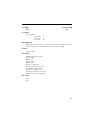
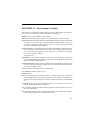
The Alignment box has the following fields:
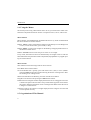
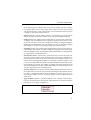
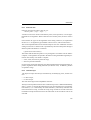
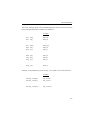
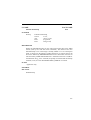
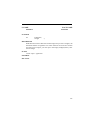
Vertical Defines parameters for the vertical alignment.If none of the radio buttons is
selected, Apply will not do vertical alignment.
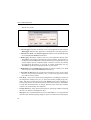
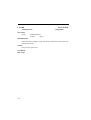
Horizontal Defines parameters for the horizontal alignment. If none of the radio buttons is selected, Apply will not do horizontal alignment.
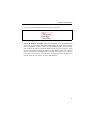
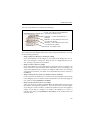
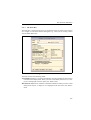
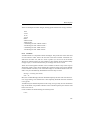
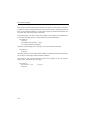
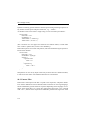
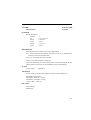
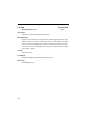
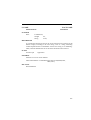
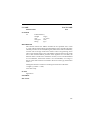
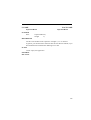
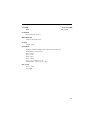
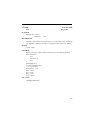
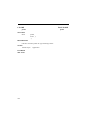
Reference Specifies the reference, i.e. the widget with respect to which a widget is
to be aligned. The choices are:
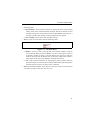
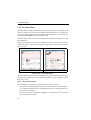
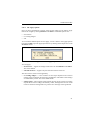
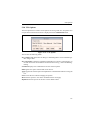
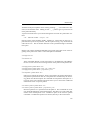
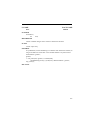
First – The selection will be aligned with respect to the first widget that was
selected, which must be a sibling. The first widget selected has solid handles.
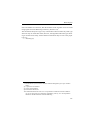
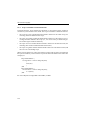
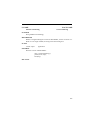
m Parent – The selection will be aligned relative to the parent widget.
m Edit – The selection will be aligned with respect to the last widget selected,
called the Edit or the current widget, the one which has the x handles instead
of the solid handles.
m
55