1
2) System explanations
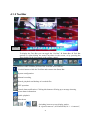
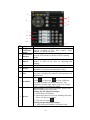
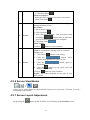
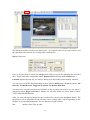
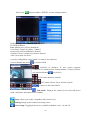
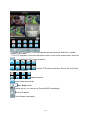
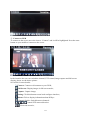
KWeye phone port has the following capabilities and functions: live video surveillance, channel
switch, full screen display, PTZ control, including zoon/focus/iris, image capture, save as
favorite and exit function.
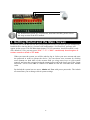
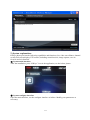
① System main interface
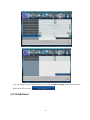
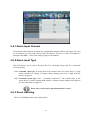
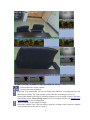
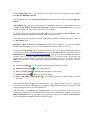
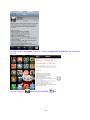
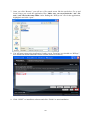
After the installation, press “KWeye” icon in the application, see the below picture.
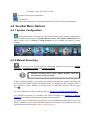
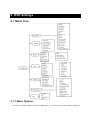
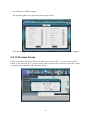
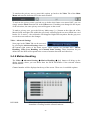
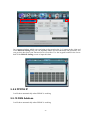
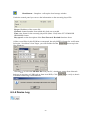
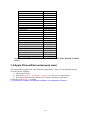
② System configure interface
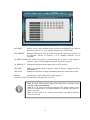
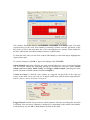
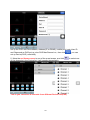
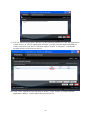
Open the main interface, see the configure interface as bellow. Modify your parameters as
necessary.
111