1
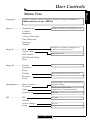
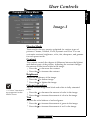
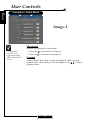
User Controls English Computer / Video Mode Language Management PIP Image - I Image - II Image - III Display mode Cinema Normal Vivid Dynamic User Contrast Image-I Brightness Colour Tint Sharpness Gamma Sharpness “Sharpness” function is not supported under YPbPr and YCbCr source. Adjusts the sharpness of the image. 4 Press the to decrease the sharpness. 4 Press the to increase the sharpness. Gamma Gamma affects how dark scenery is displayed. With a greater gamma value, dark scenery will look brighter. Use to adjust gamma values. 22