1
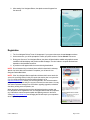
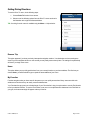
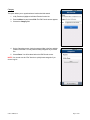
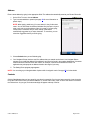
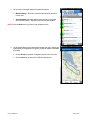
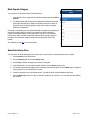
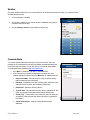
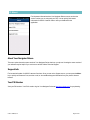
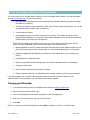
5. Press the Menu button and choose Go.
6. In the URL field, input the OTA download link: http://ota.telenav.com/ota/uscc and choose Go.
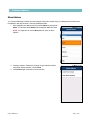
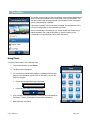
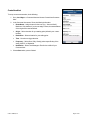
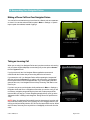
7. The Android phone will automatically download the application.
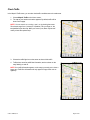
After the download process has completed successfully, go into the download history to select and install the application.
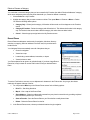
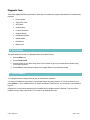
Network Access
Your Navigator Deluxe uses the public Internet to access its servers for mapping, routing, and search services from your
device.
5. Launching Your Navigator Deluxe
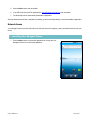
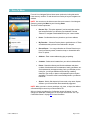
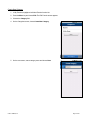
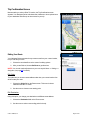
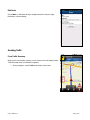
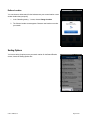
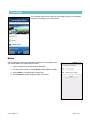
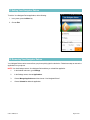
1. Press the Menu button to expose the application list. Choose the Your
Navigator Deluxe icon to launch the application.
© 2011 TeleNav, Inc.
Page 9 of 60