1
Perfect Browse 47
Using the Info Pane
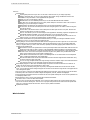
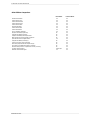
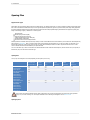
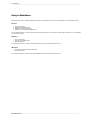
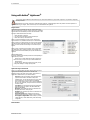
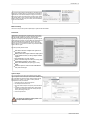
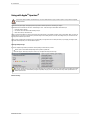
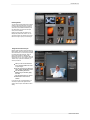
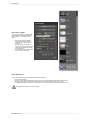
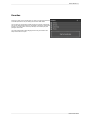
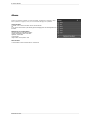
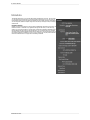
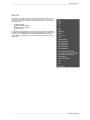
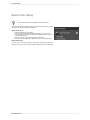
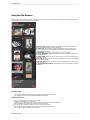
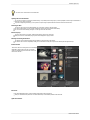
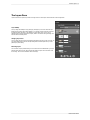
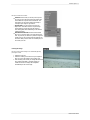
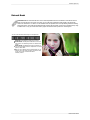
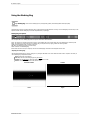
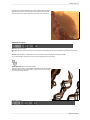
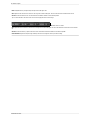
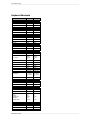
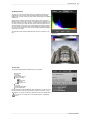
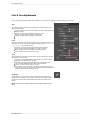
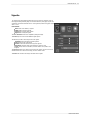
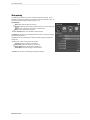
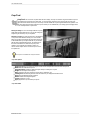
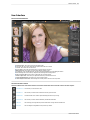
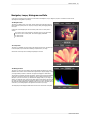
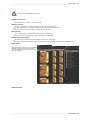
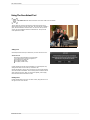
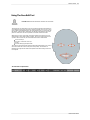
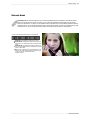
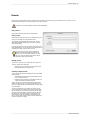
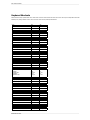
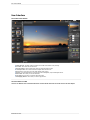
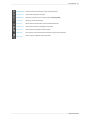
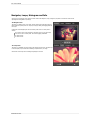
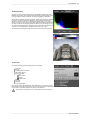
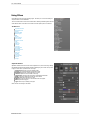
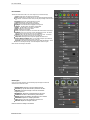
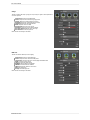
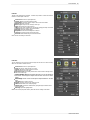
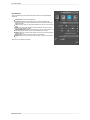
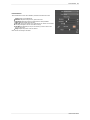
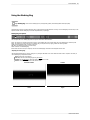
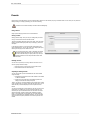
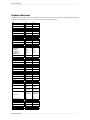
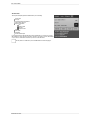
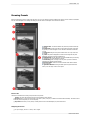
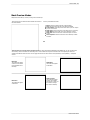
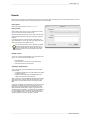
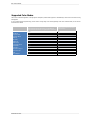
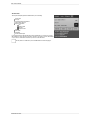
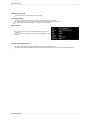
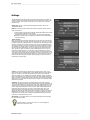
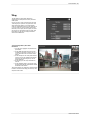
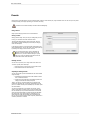
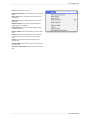
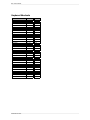
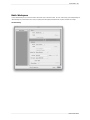
The Info Pane displays common metadata for the currently selected file. You can view complete metadata in the Metadata Pane . This information may
include:
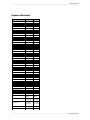
Camera Make and Model
Focal Length of the Lens
Capture Date and Time
File Type
GPS
ISO
Shutter Speed
Aperture
Exposure Compensation
Filename
Color Space
Image Dimensions and Resolution
Image Size and Bit Depth
If any of the metadata fields are unavailable they will be left blank.
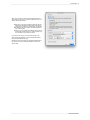
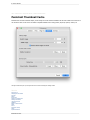
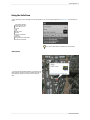
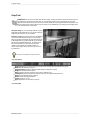
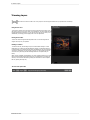
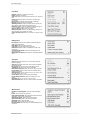
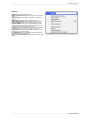
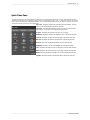
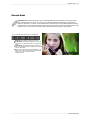
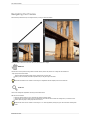
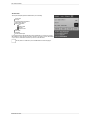
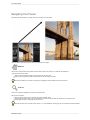
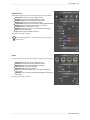
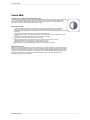
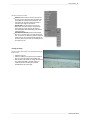
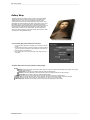
GPS Metadata
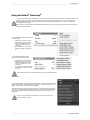
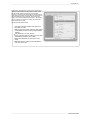
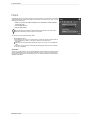
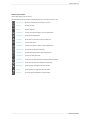
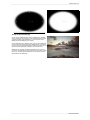
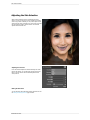
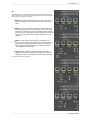
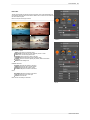
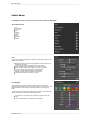
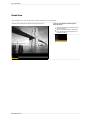
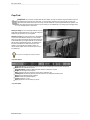
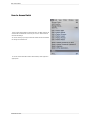
If your image has GPS metadata embedded in it, the GPS button will
appear. Clicking on this button will open the default web browser to
Google Maps and navigate to the location where the image was
taken.
Perfect Photo Suite